Projects / Software · Active
Lookout Marine
A chartplotter that renders official ENC charts at 60 fps, native on six platforms.
- Platforms
- 6 native apps
- Frame rate
- 60 fps
- Core
- Zig + C ABI
- License
- MIT
Overview
Lookout Marine reads the same electronic navigational charts (ENC) that ships use. It draws every symbol, color, and label with the official IHO S-101 Portrayal Catalogue, so the chart looks the way the standard says it should.
A Zig core holds the chart state and does the rendering. Each platform gets a real native app on top of one C ABI: SwiftUI on Apple, WinUI 3 on Windows, GTK4 on Linux, and Jetpack Compose on Android. There is no shared widget layer and no web view.
Plugins bring in boat data. A plugin is a sandboxed WebAssembly module that can read NMEA 0183, Signal K, and AIS, and draw on the chart. You can write one in Zig, Go, or Rust.
Not for navigation. Lookout is a prototype. It is not certified and it is not an ECDIS.
Live demo
Try the chart engine in your browser
This is tile57, the chart engine inside Lookout, compiled to WebAssembly. It decodes real NOAA charts and renders them with WebGPU, all on your device. Nothing goes to a server.
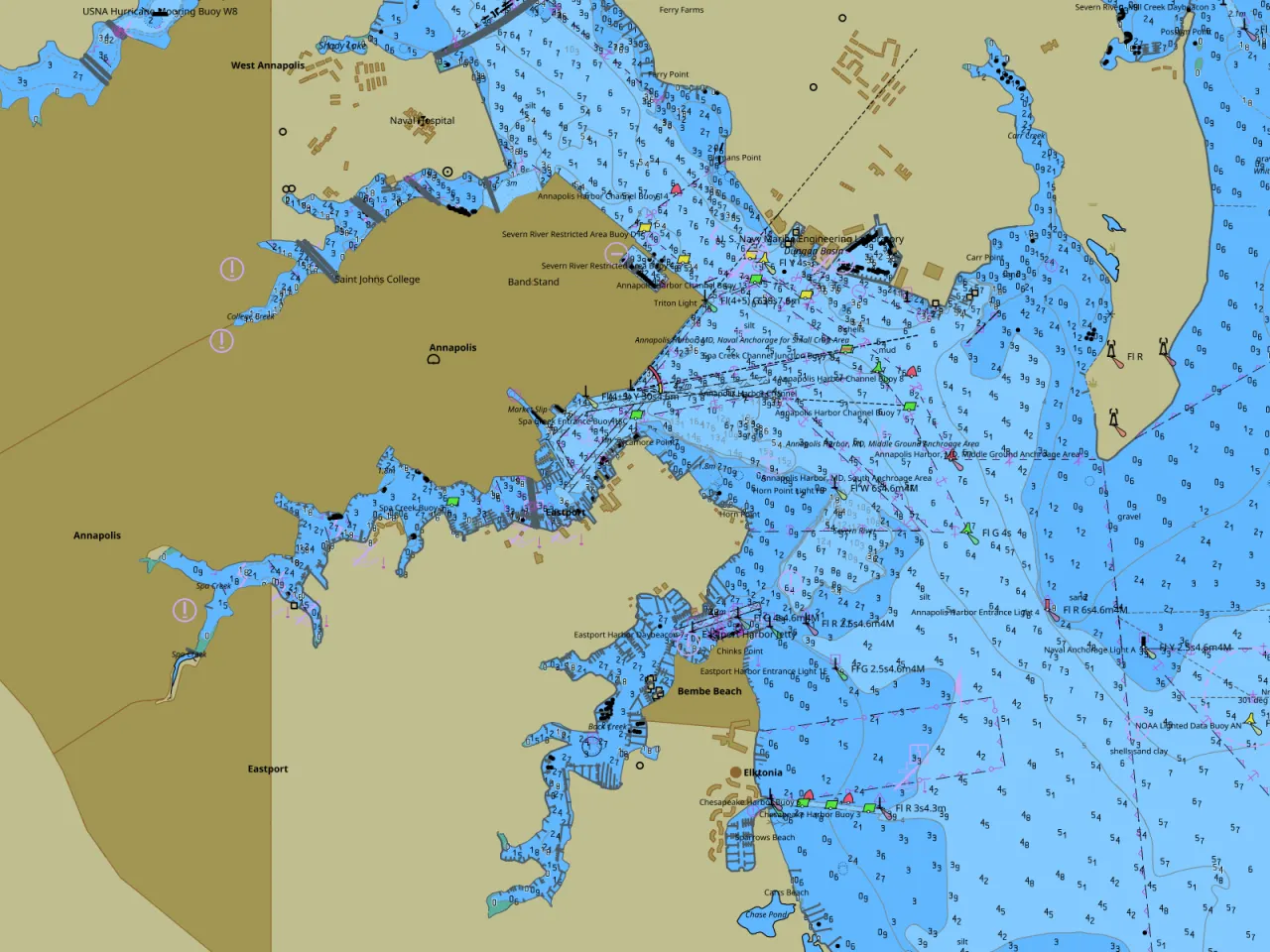
Same chart, six native apps
Native on every platform
Every app is captured with the same chart, camera, and window size. This keeps the six apps the same, frame for frame.
-
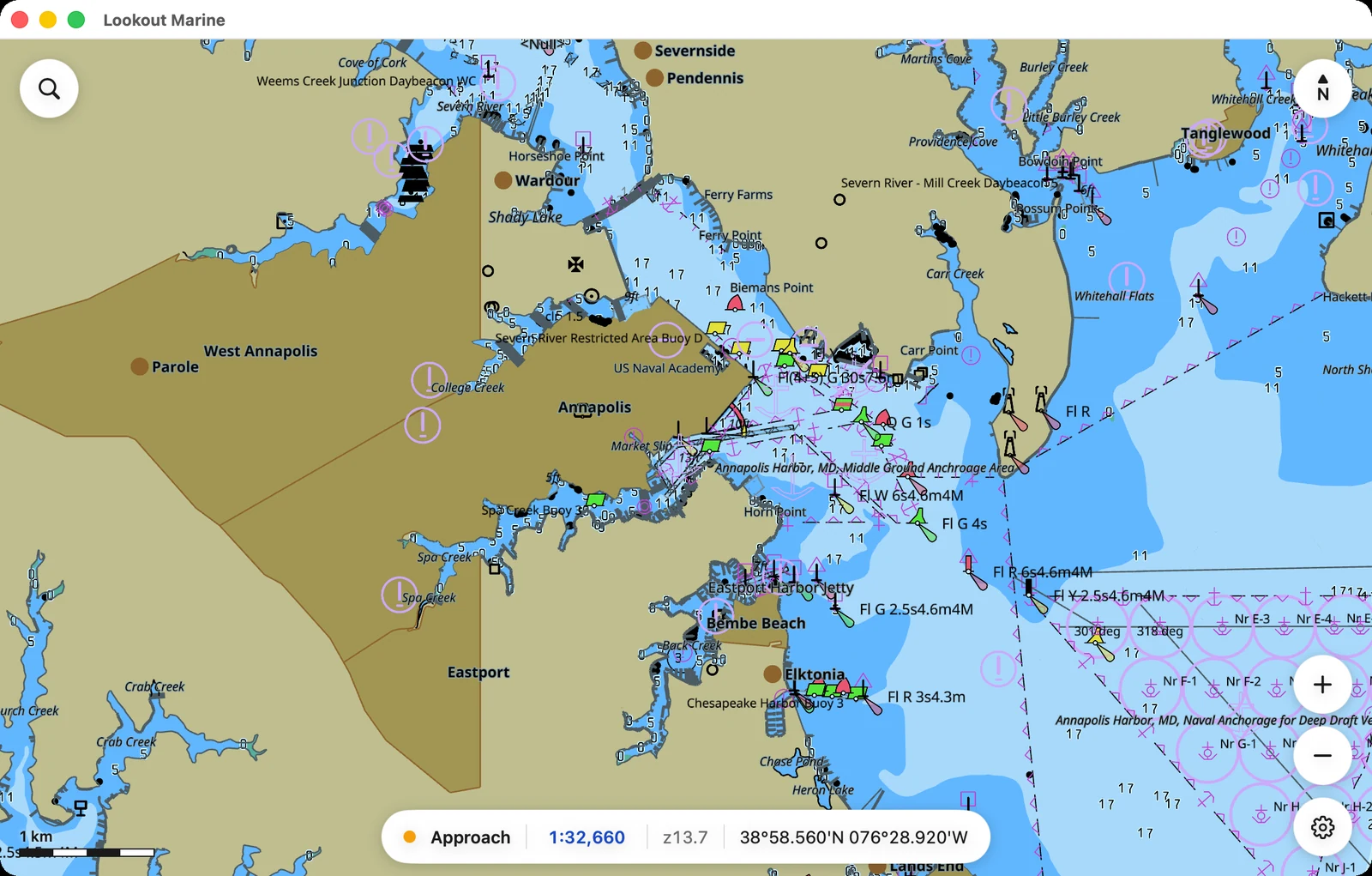
macOS SwiftUI · Metal -
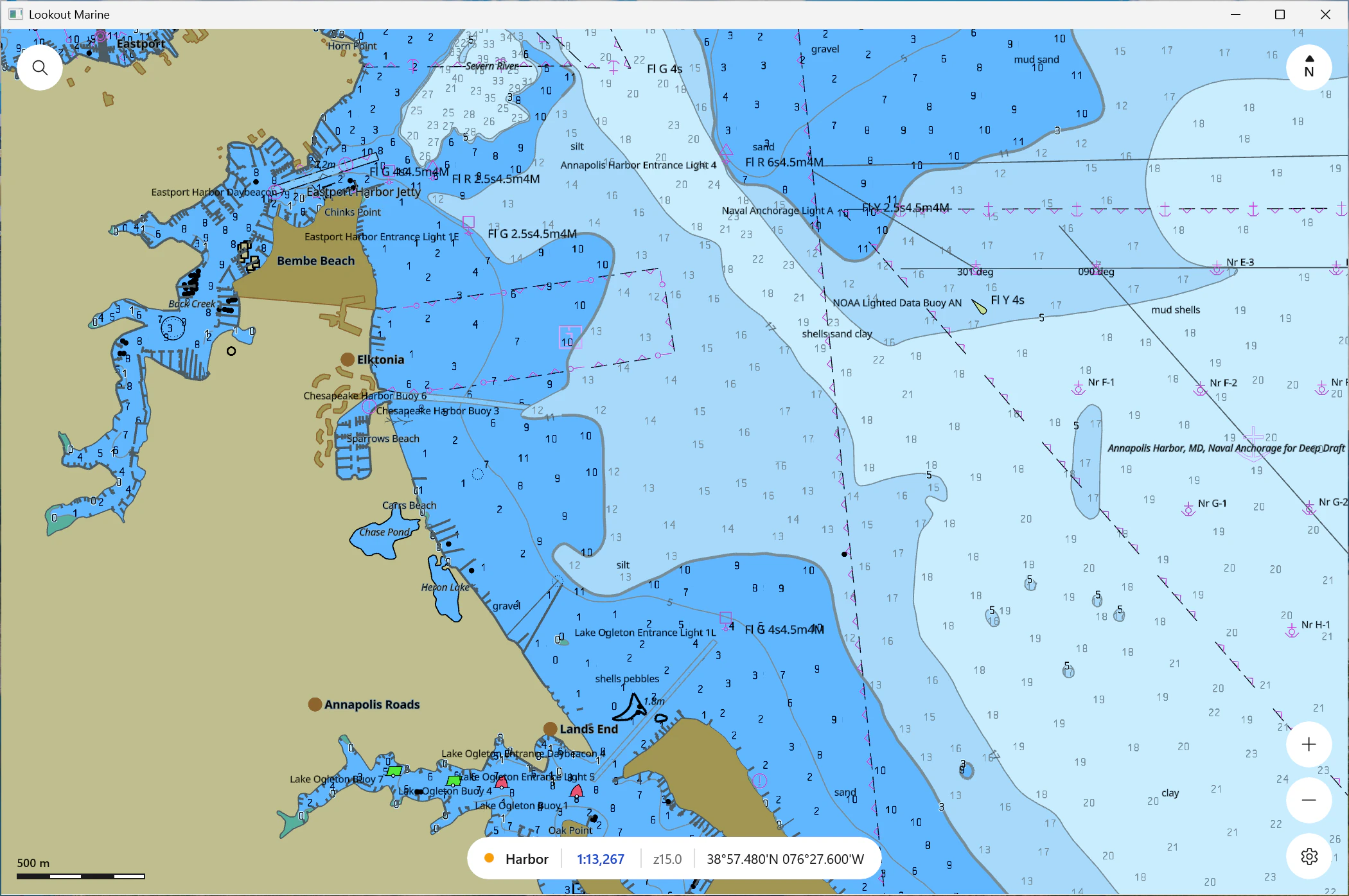
Windows WinUI 3 · Direct3D 12 -
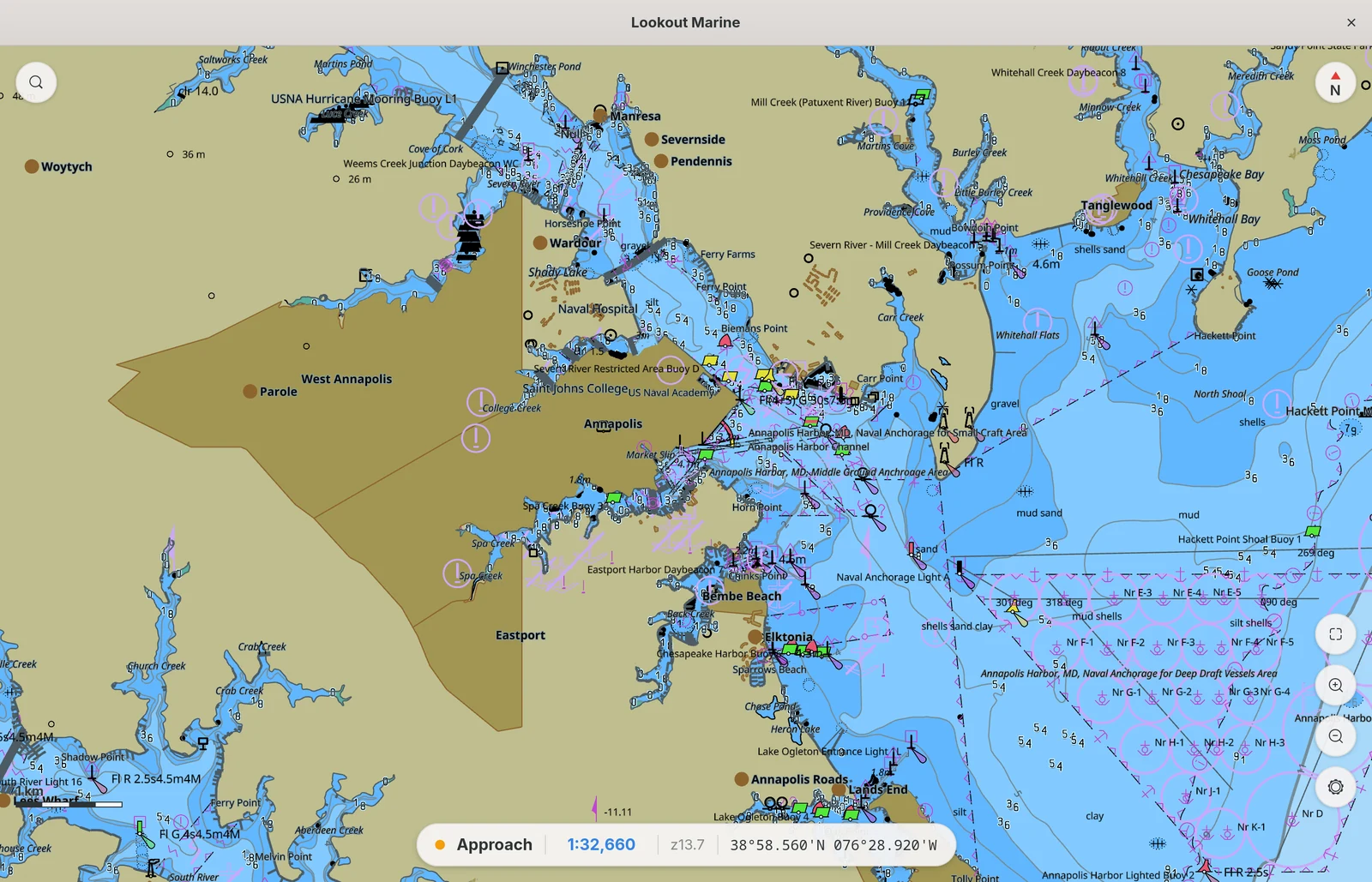
Linux GTK4 · Vulkan -
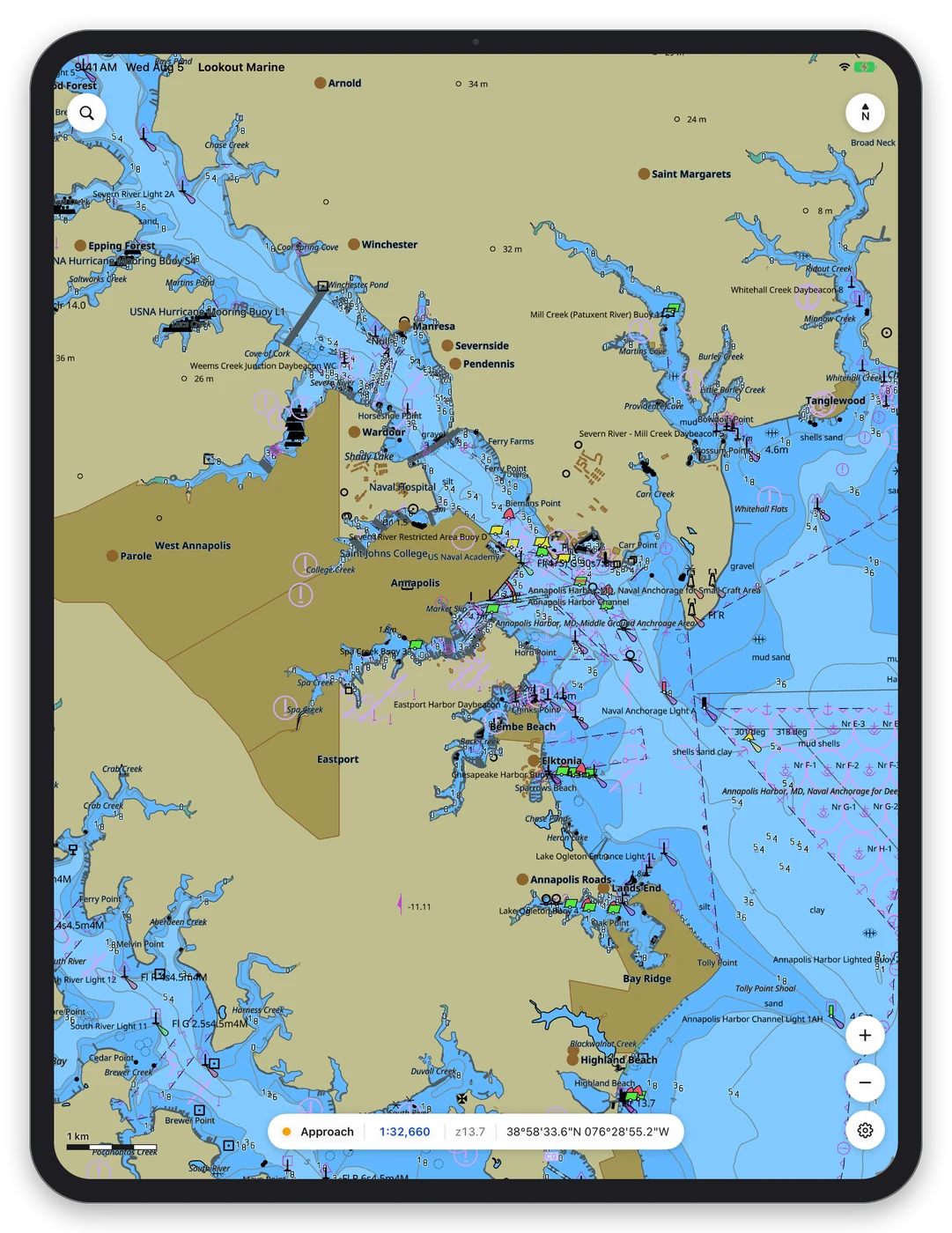
iPadOS SwiftUI · Metal -
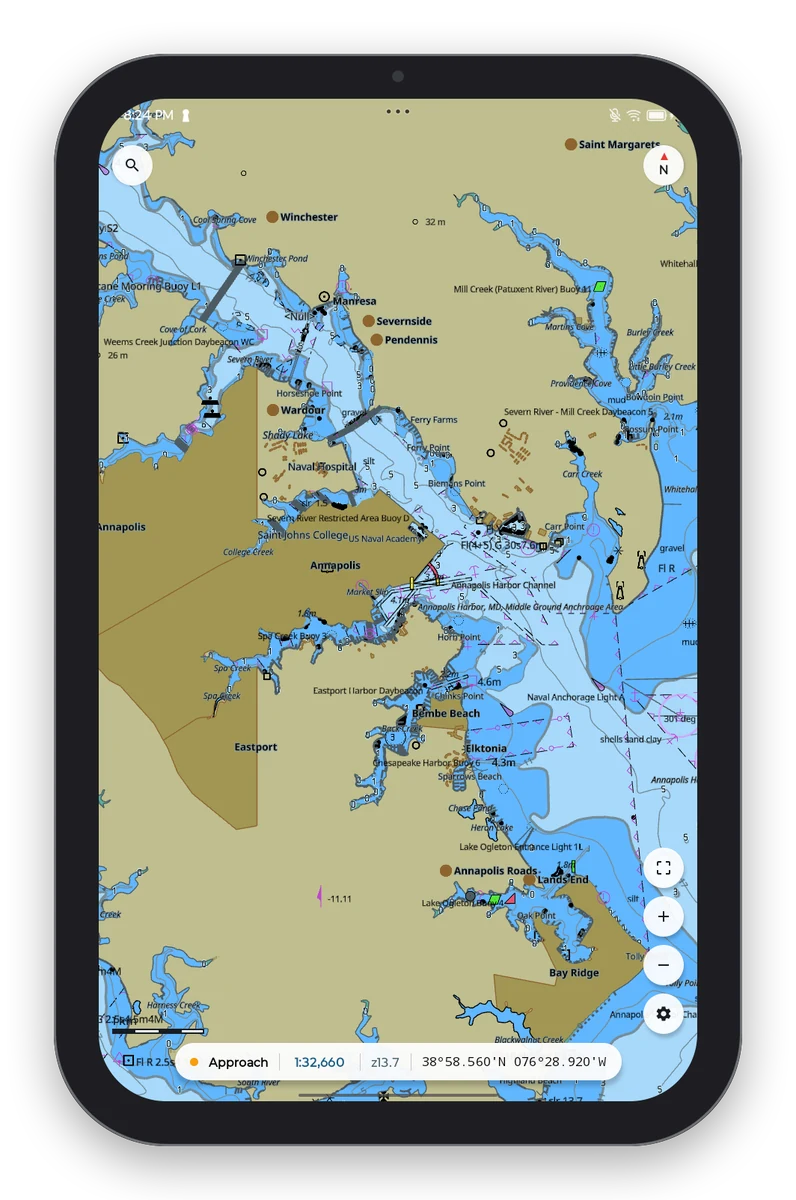
Android Compose · Vulkan -
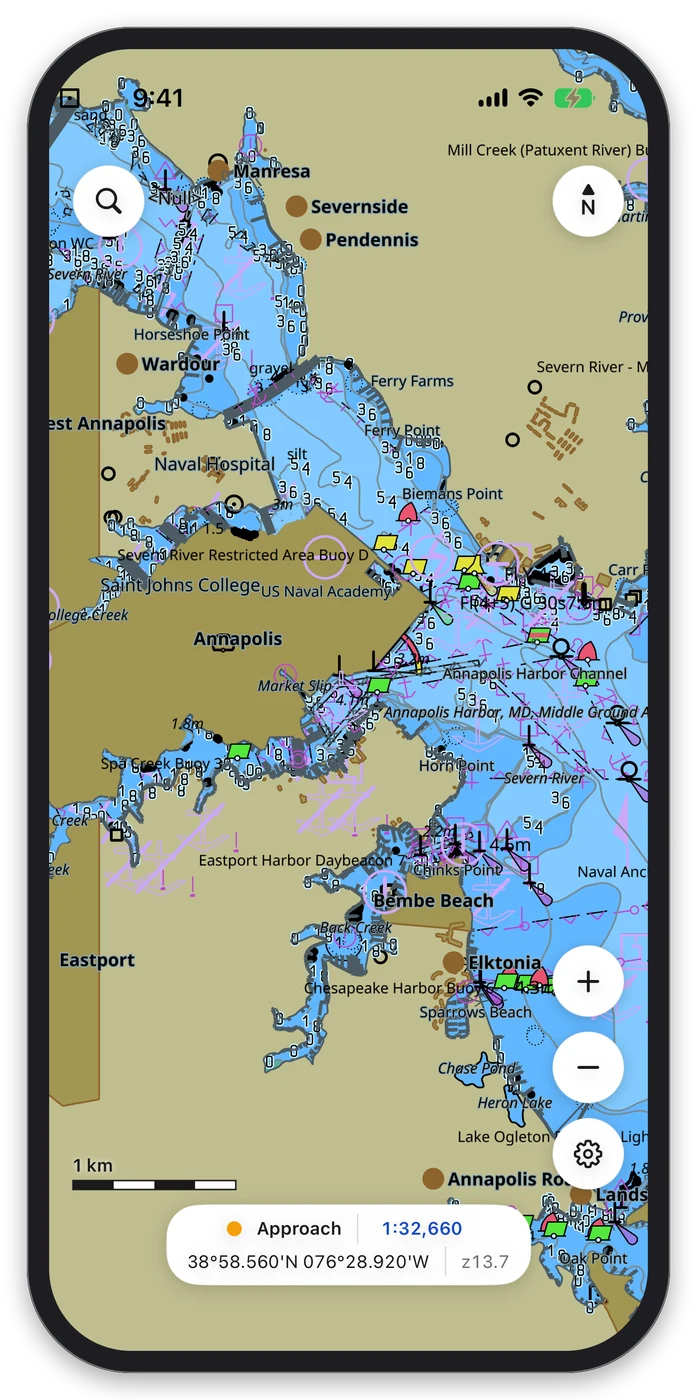
iOS SwiftUI · Metal
How it fits together
One core, native shells
Install it
macOS 26 or later (Apple silicon): brew install --cask beetlebugorg/tap/lookout-marine
Ubuntu 24.04 or later: download the .deb from the latest release, then run sudo apt install ./lookout-marine_*.deb.
Windows 10 or later: unzip the Windows build and run LookoutMarine.exe.
Android 7 or later: install the .apk from the release page.
iPhone and iPad: build it with Xcode. See the build notes.
Then get free charts for US waters from NOAA and open the zip in Lookout.
Build it from source
You need Zig 0.16. Clone the repository with its submodules, then build the core, the plugins, and the tests:
git clone --recurse-submodules https://github.com/beetlebugorg/lookout-marine.git
cd lookout-marine
zig build && zig build plugins && zig build test
The core is a static library with a C ABI in include/lookout.h. You can put a chart into your own native app with it. The developer guide has the notes for each platform and the plugin guide.