Projects / Software · Active
zslice
A slicer for FDM 3D printers, written from scratch in Zig. It slices a 3DBenchy in about 340 ms, and it runs in the browser too.
- 3DBenchy
- about 340 ms
- Web app
- 1.2 MB wasm
- Core
- Zig + C API
- License
- AGPL-3.0
Overview
zslice turns a 3D model into G-code for an FDM printer. I wrote it from scratch in Zig, with each algorithm explained in the header comment of its module.
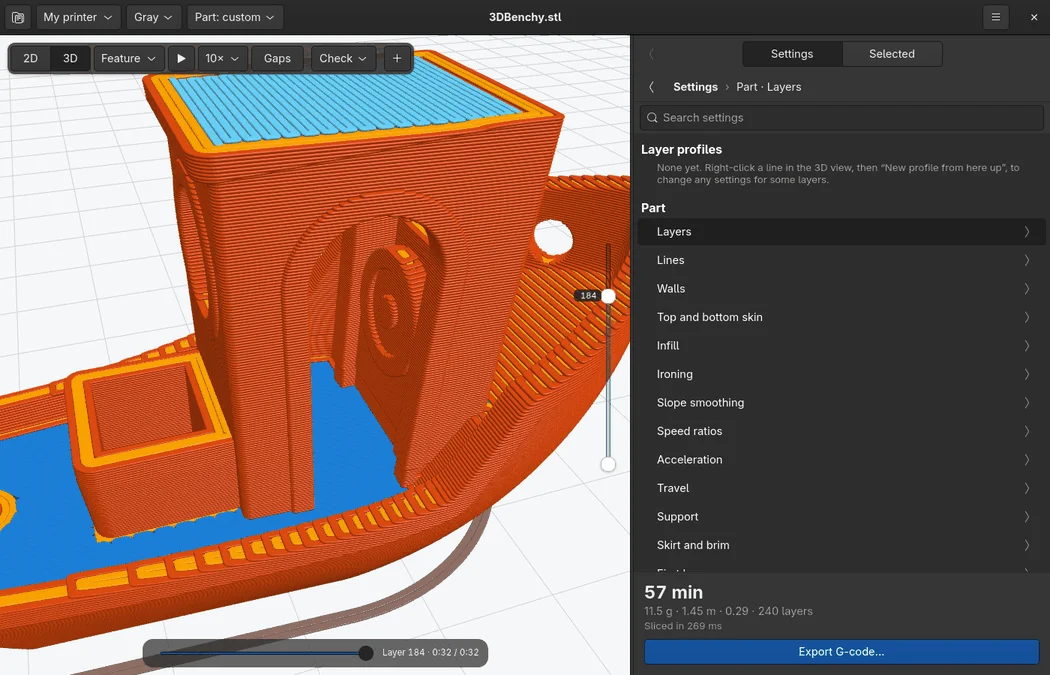
It is fast: a 3DBenchy slices in about 340 ms on a desktop computer. When you drag a slider, such as the infill density, the part slices again and the preview updates while you drag.
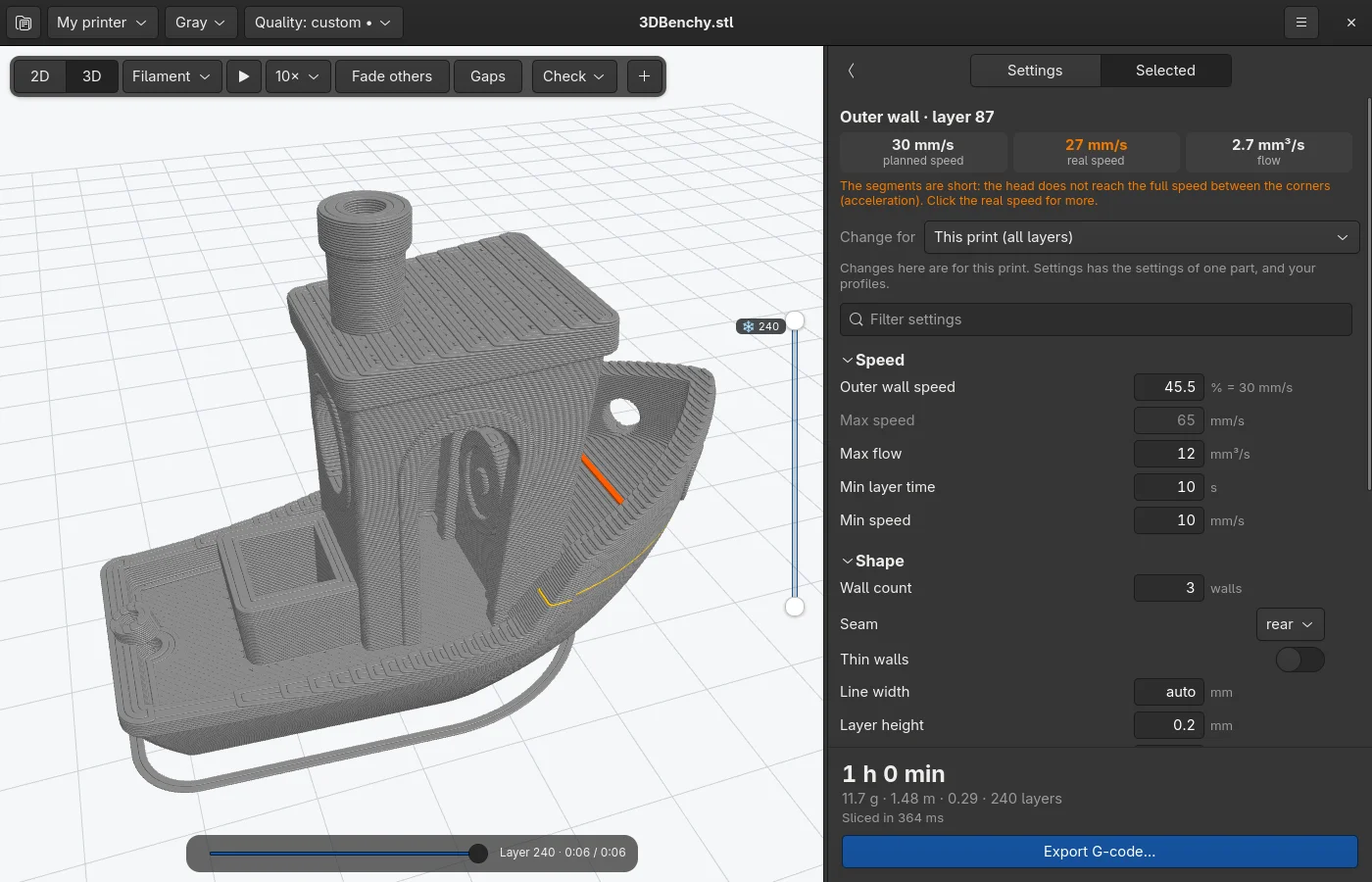
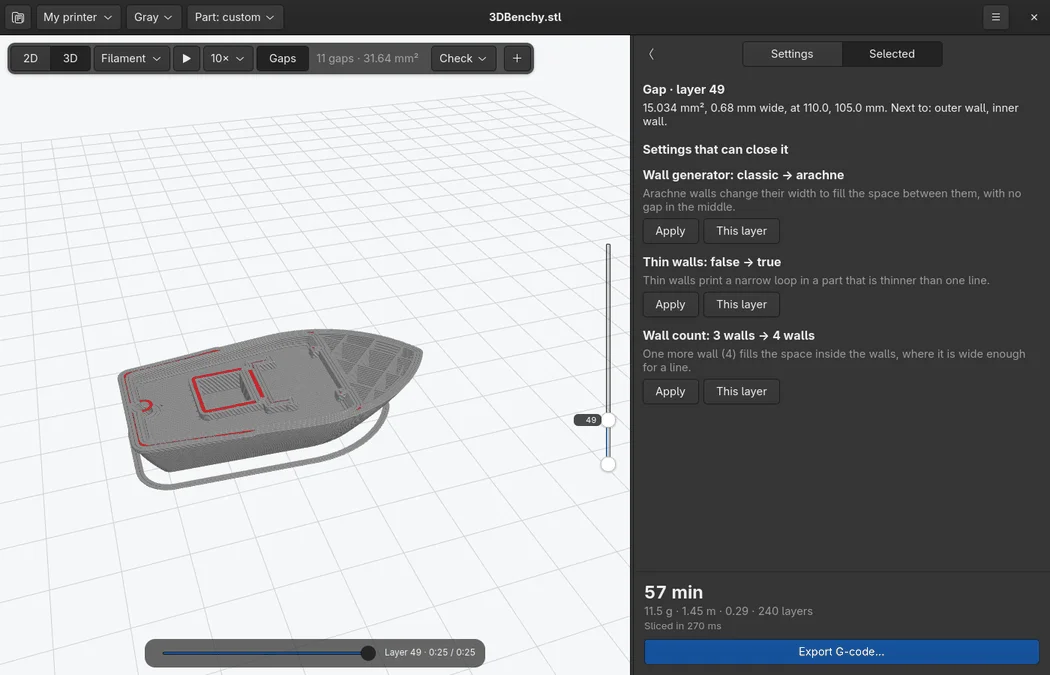
Click any line of the 3D preview. The panel shows what the line is, its planned speed and its real speed after acceleration, its flow, and only the settings that change it. The h, j, k, and l keys then step the nozzle through the print, segment by segment.
The core has a C API. The GTK4 app for Linux is a thin shell over it, and so is the web app. The web app is the same core compiled to WebAssembly, so it slices on your computer in the browser, with nothing to install.
Try it
Open zslice.beetlebug.org and drop an STL or 3MF file on the page. The model slices on your computer. Nothing goes to a server.
The Linux app and the command line build from source with Zig 0.16:
git clone https://github.com/beetlebugorg/zslice.git
cd zslice
zig build -Doptimize=ReleaseFast
zig-out/bin/zslice slice part.stl -o part.gcode
The documentation has the user guide, each setting, and how a slicer works. The source is on GitHub.