Links
Page links and tags
[[Page name]] is a link to a page. #tag and #[[tag with spaces]] are links too. A link makes the page when it does not exist. The file of a page is made when the page gets text.
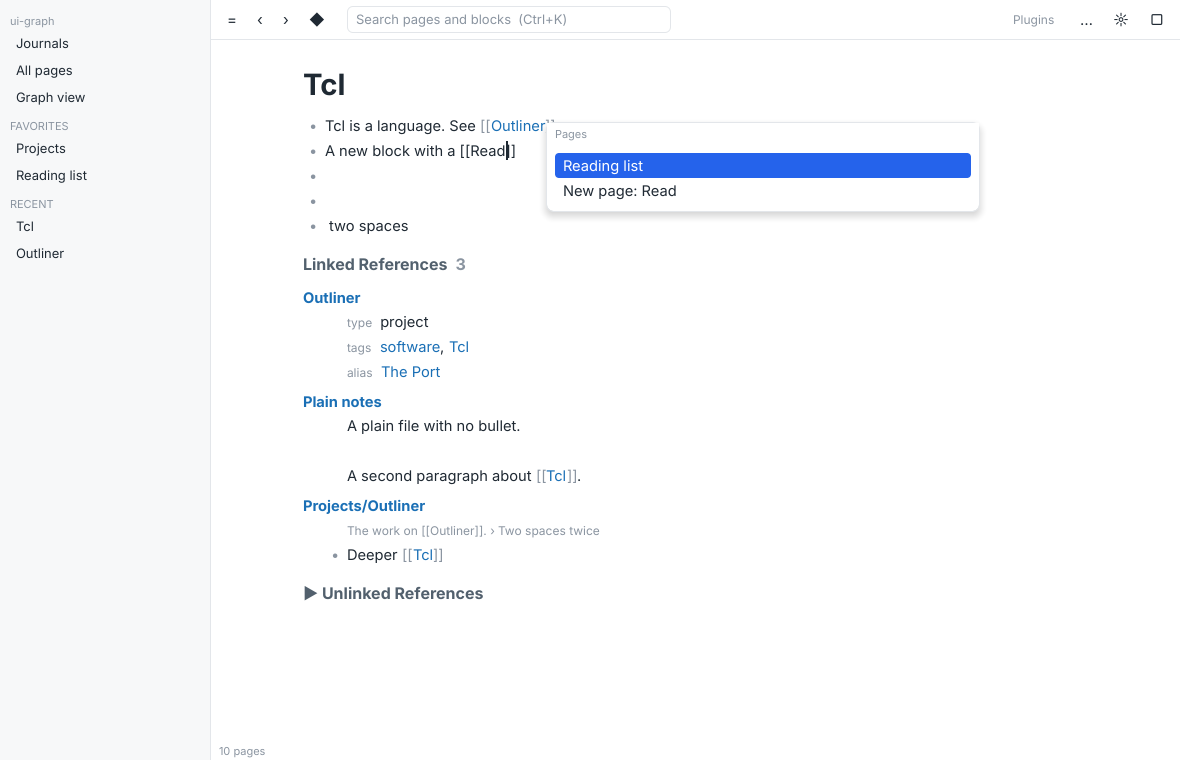
Type [[ and some letters for a list of pages. Press Enter to take one.
Projects/Outliner is a page in the namespace Projects. The property alias:: Name, Other name on the first block of a page gives the page more names.
References
Each page shows the blocks of other pages that link to it, under Linked References. Unlinked References finds the name of the page in blocks with no link.
Block references and embeds
| Source | Result |
|---|---|
((block id)) | The text of another block, as a link |
{{embed ((block id))}} | The other block with its children, in place |
{{embed [[Page]]}} | The blocks of a page, in place |
Type (( and a few words to search for a block. Outliner gives the block an id:: property the first time. The right mouse button on a block has Copy block reference.
The right sidebar
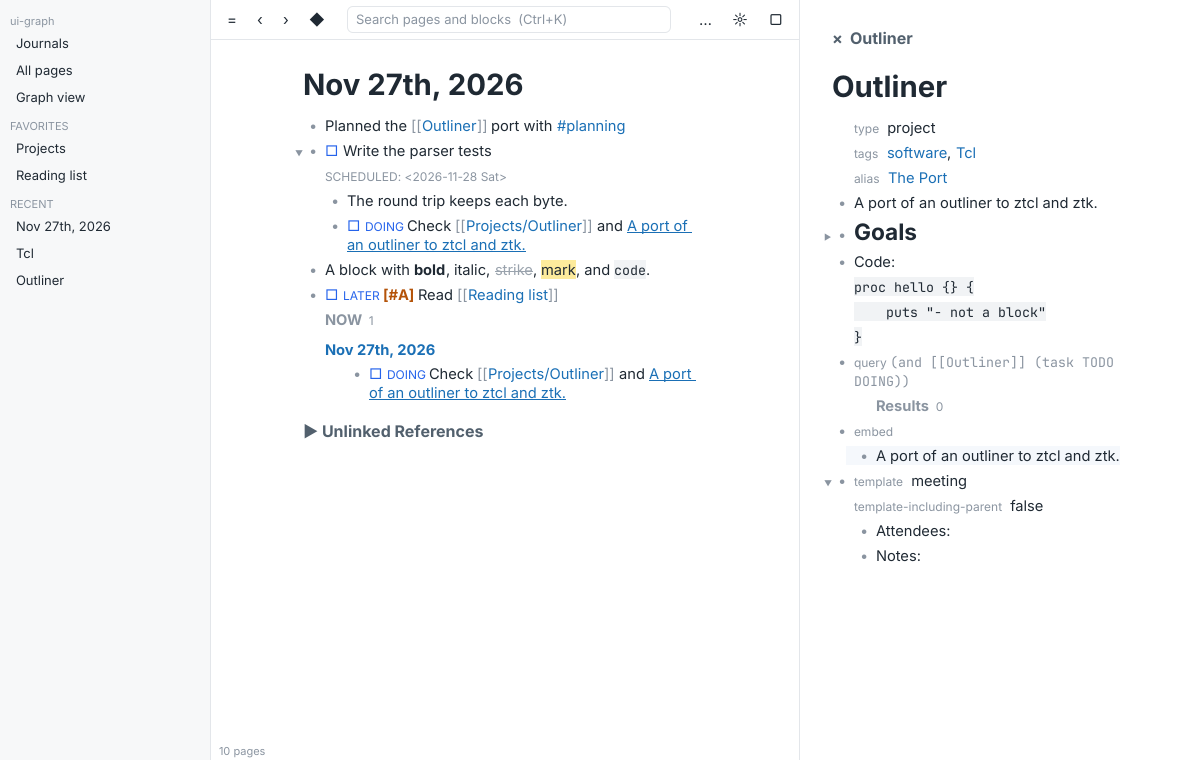
Hold Shift and click a link. The page or the block opens in the right sidebar, next to the main area.
The graph view
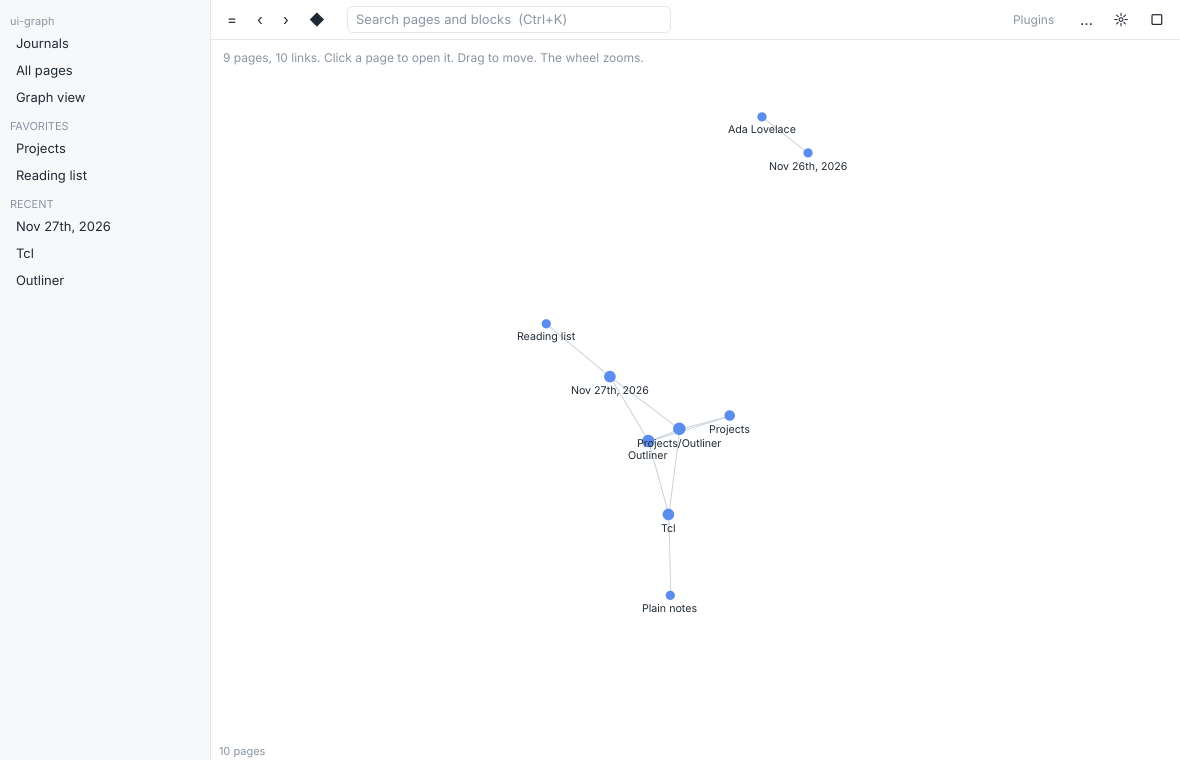
Graph view in the left sidebar shows the 150 pages with the most links. The command Open the graph of this page shows one page and its neighbors. Click a page to open it, drag to move, and use the wheel to zoom.
Search
Press Ctrl+K. Type words. The list has pages first and then blocks. Enter opens the selected line, and Shift+Enter opens it in the right sidebar. A name with no page makes a new page.