
Outliner in a browser
Outliner runs in a browser with the web build of ztk: ztk.wasm renders the same app into a canvas with WebGPU, WebGL 2, or a 2D canvas.
Try it: https://beetlebug.org/ztk-outliner/app/
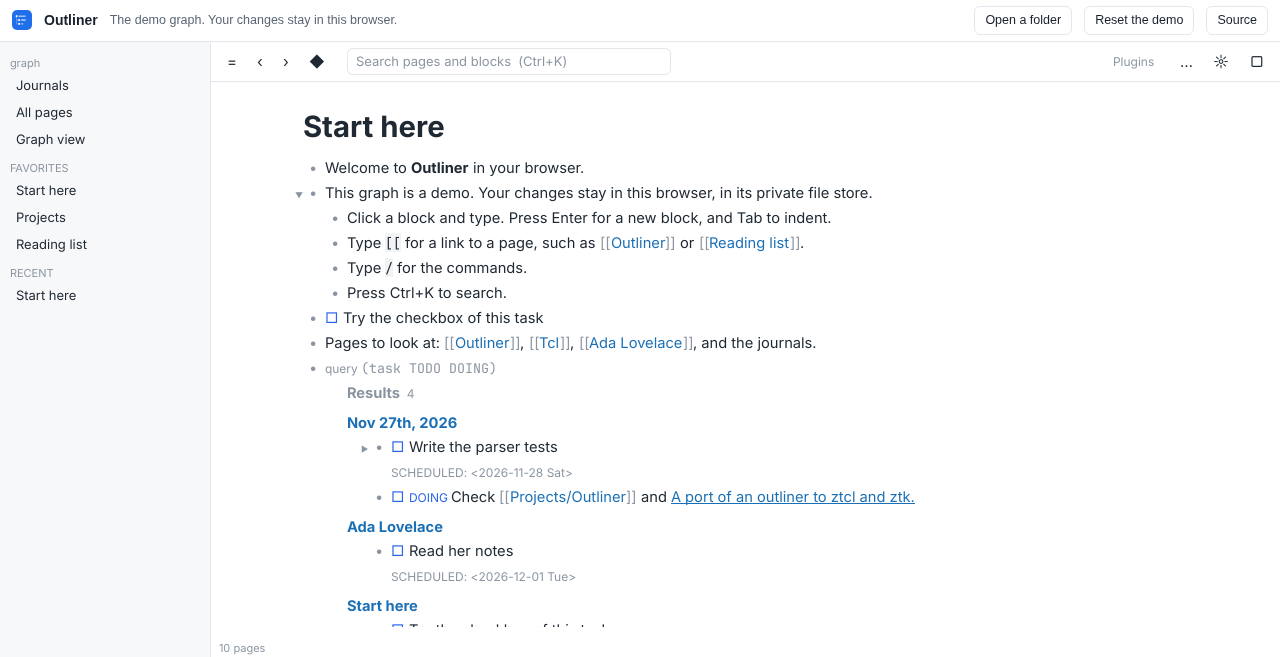
Where the notes are
| Store | When | What it does |
|---|---|---|
| The private file store of the browser (OPFS) | The default | The first visit copies a demo graph into the store. Each change goes to the store as a Markdown file. The notes stay in this browser on this computer. |
| A folder on your computer | The button Open a folder, in Chrome and Edge (the File System Access API) | Outliner reads the Markdown and Org files of the folder and writes each change to them. The same files open in the desktop program and in Logseq. |
| Memory | A browser with no file store | The demo graph. The changes last for the visit. |
Reset the demo deletes the graph in the file store of the browser and loads the demo graph again. It does not touch a folder on your computer.
The page sends no note to a server. It loads only its own files: ztk.wasm, ztk.js, app.tcl, and the demo graph.
What is different in a browser
| Feature | In a browser |
|---|---|
| Plugins | Off. The page loads no plugin, and a browser has no virtual machine for a plugin. The plugin panel says so. |
| Agent tasks | The scope and the preview work. A task does not run. |
| Export to a file, the folder dialogs | Not in the web version. |
| The index cache | None. The page reads each file at the start. |
| A click on a web link | Copies the address. |
| A change of the files by another program | The page does not see it until a reload. |
Build and host it
tools/build-web.sh             # needs Zig 0.17.0; writes dist/web
node tools/web-check.mjs       # loads the demo graph in headless Chromium and checks a save
python3 -m http.server --bind 127.0.0.1 --directory dist/web 8000
dist/web is a folder of static files. The workflow .github/workflows/pages.yml puts it on GitHub Pages with the site page. Speed has the sizes.