
The outliner
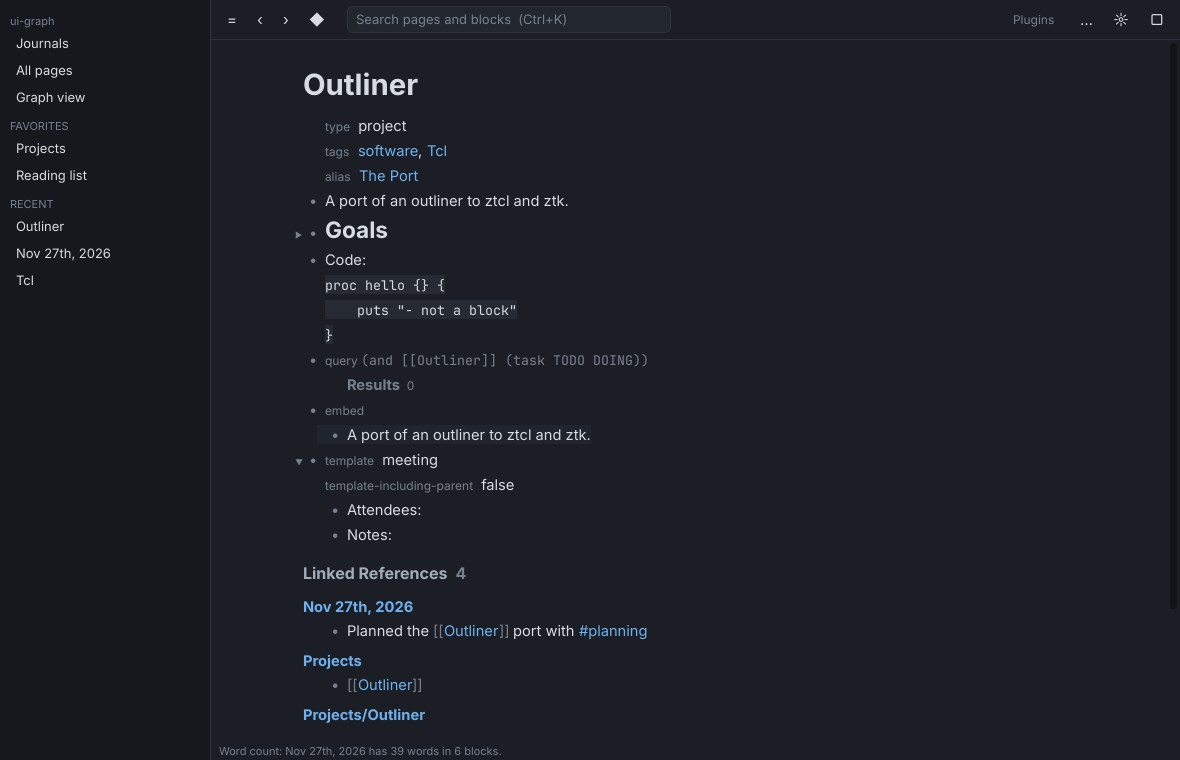
A page is a tree of blocks. A block is one bullet with its text. A block can have children.
Edit blocks
| Action | Key |
|---|---|
| New block | Enter |
| New line in the block | Shift+Enter |
| Indent | Tab |
| Outdent | Shift+Tab |
| Move the block up or down | Alt+Shift+Up, Alt+Shift+Down |
| Join with the block above | Backspace at the start of the block |
| Join with the block below | Delete at the end of the block |
| Collapse, expand | Ctrl+Up, Ctrl+Down, or a click on the arrow |
| Zoom into the block | Alt+Right, or a click on the bullet |
| Zoom out | Alt+Left |
| Undo, redo | Ctrl+Z, Ctrl+Y |
Enter in the middle of a block splits it. Enter in an empty child block moves the block one level out.
Select blocks
Press Escape to leave the text and select the block. Then:
| Action | Key |
|---|---|
| Select more blocks | Shift+Up, Shift+Down, or drag with the pointer |
| Edit the block | Enter |
| Delete the blocks | Backspace or Delete |
| Indent, outdent | Tab, Shift+Tab |
| Copy, cut, paste | Ctrl+C, Ctrl+X, Ctrl+V |
| Select each block | Ctrl+A |
A copy of blocks is Markdown text with bullets, so it pastes into other programs. Text with bullets pastes into Outliner as blocks.
Markup
The focused block shows its source text. Each other block shows the rendered text.
| Source | Result |
|---|---|
**bold**, *italic*, ~~strike~~, ==mark== | Bold, italic, struck, and highlighted text |
` | Code |
# Heading to ###### Heading | A heading |
[text](https://example.org) | A link |
> text | A quote |
on a line, code, ` | A code block |
TODO text, DOING, LATER, NOW, DONE, WAITING, CANCELED | A task with a checkbox |
[#A] text | A priority |
key:: value on a line of its own | A property |
SCHEDULED: <2026-11-28 Sat>, DEADLINE: <...> | A date of a task |
Org files use the markup of Org: *bold*, /italic/, ~code~, [[url][text]].
The slash menu
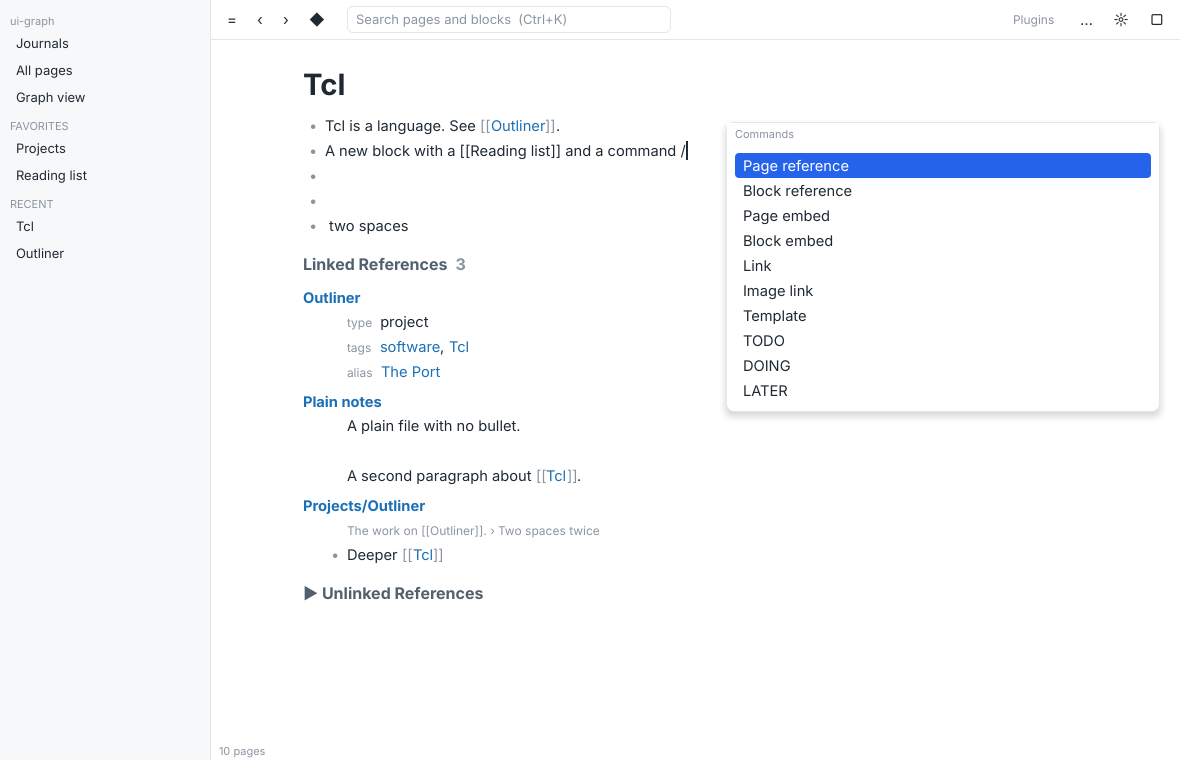
Type / in a block. The menu has the task markers, the priorities, dates, links, embeds, queries, code blocks, headings, and templates. Type more letters to filter, and press Enter. Type < for blocks such as a quote or a note.
Templates
A block with the property template:: NAME is a template. Its children are the content. /Template inserts a template. template-including-parent:: false leaves the parent block out. <% today %>, <% yesterday %>, <% tomorrow %>, <% time %>, and <% current page %> become their values.