The deck UI
The screens of the deck
Every screen of the touch screen, for a display that is mounted tall or wide.
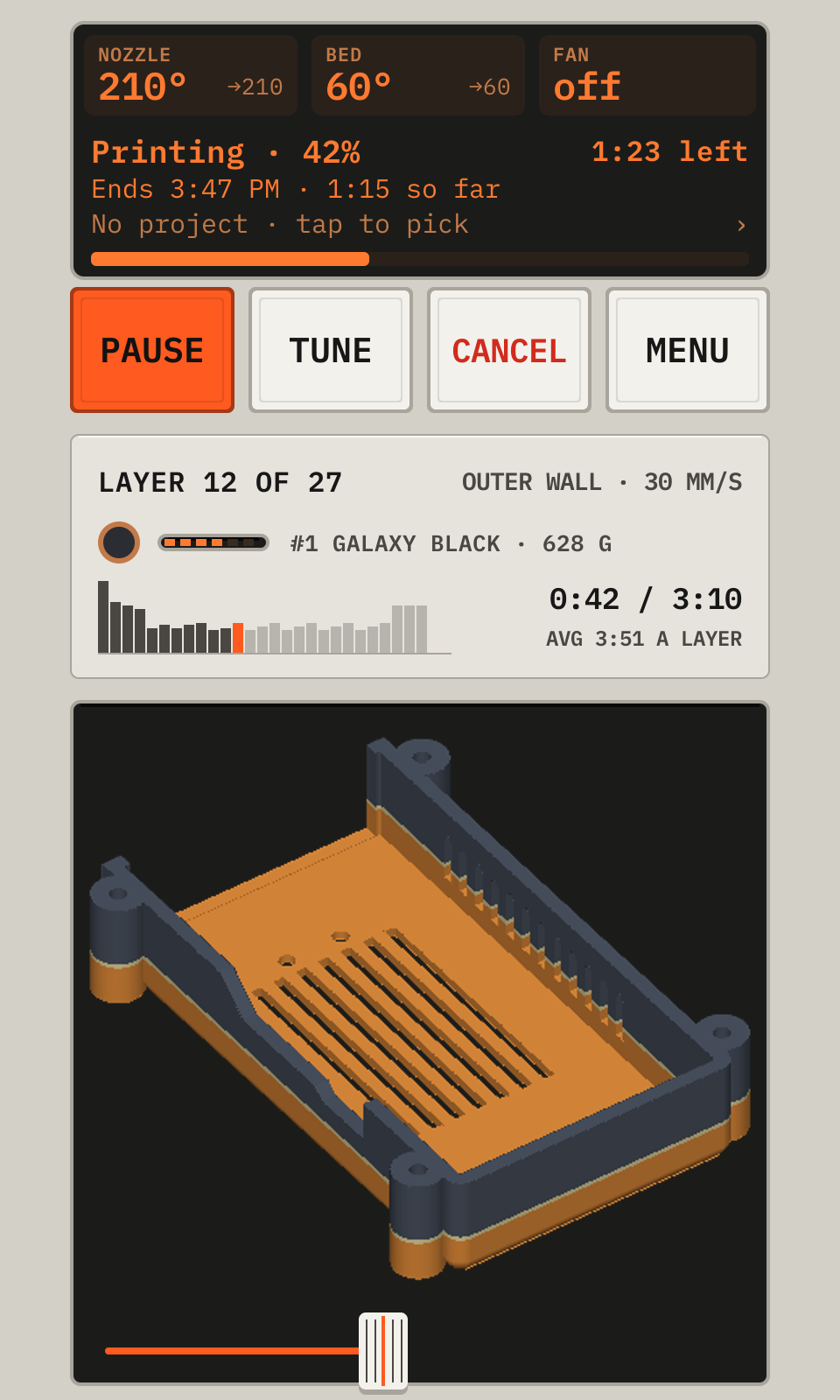
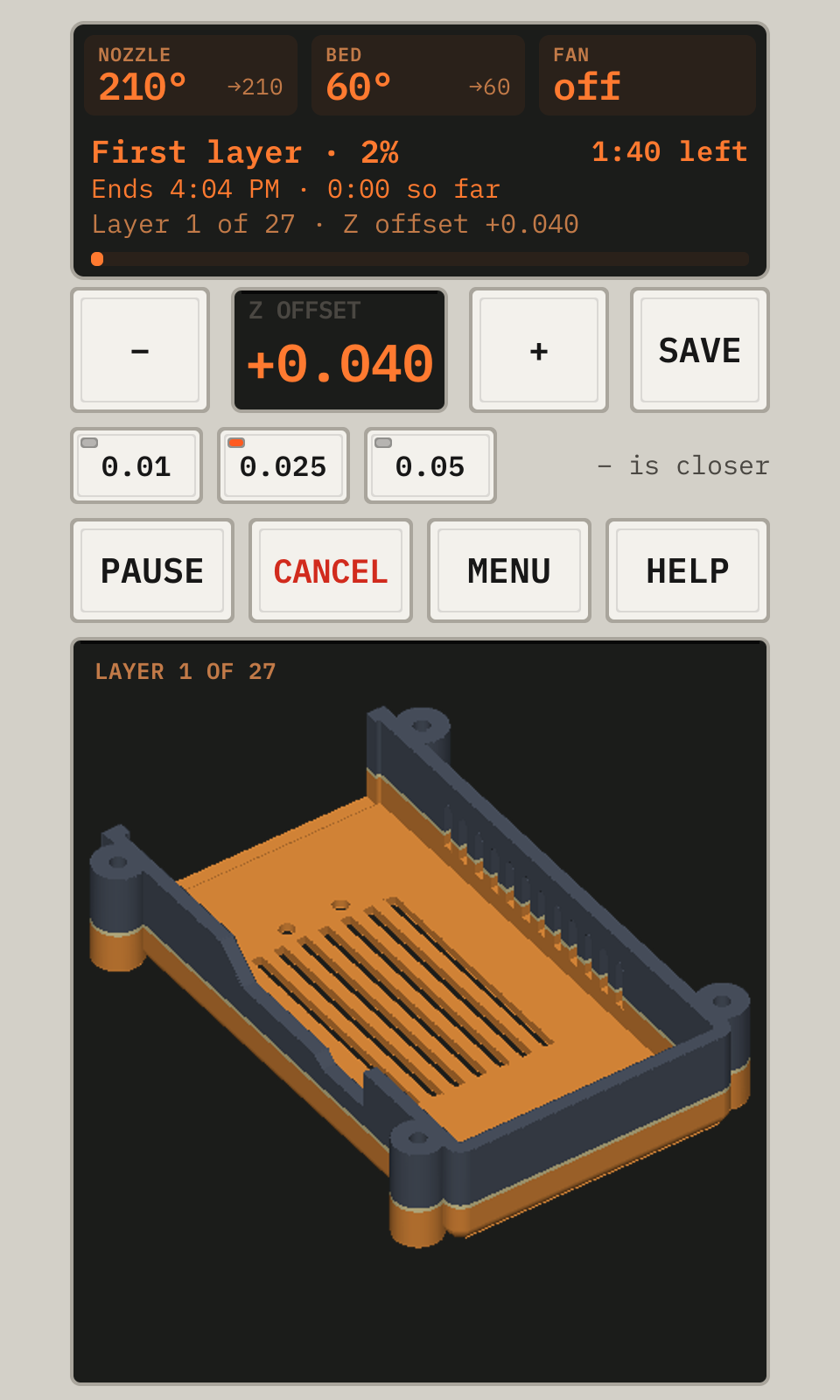
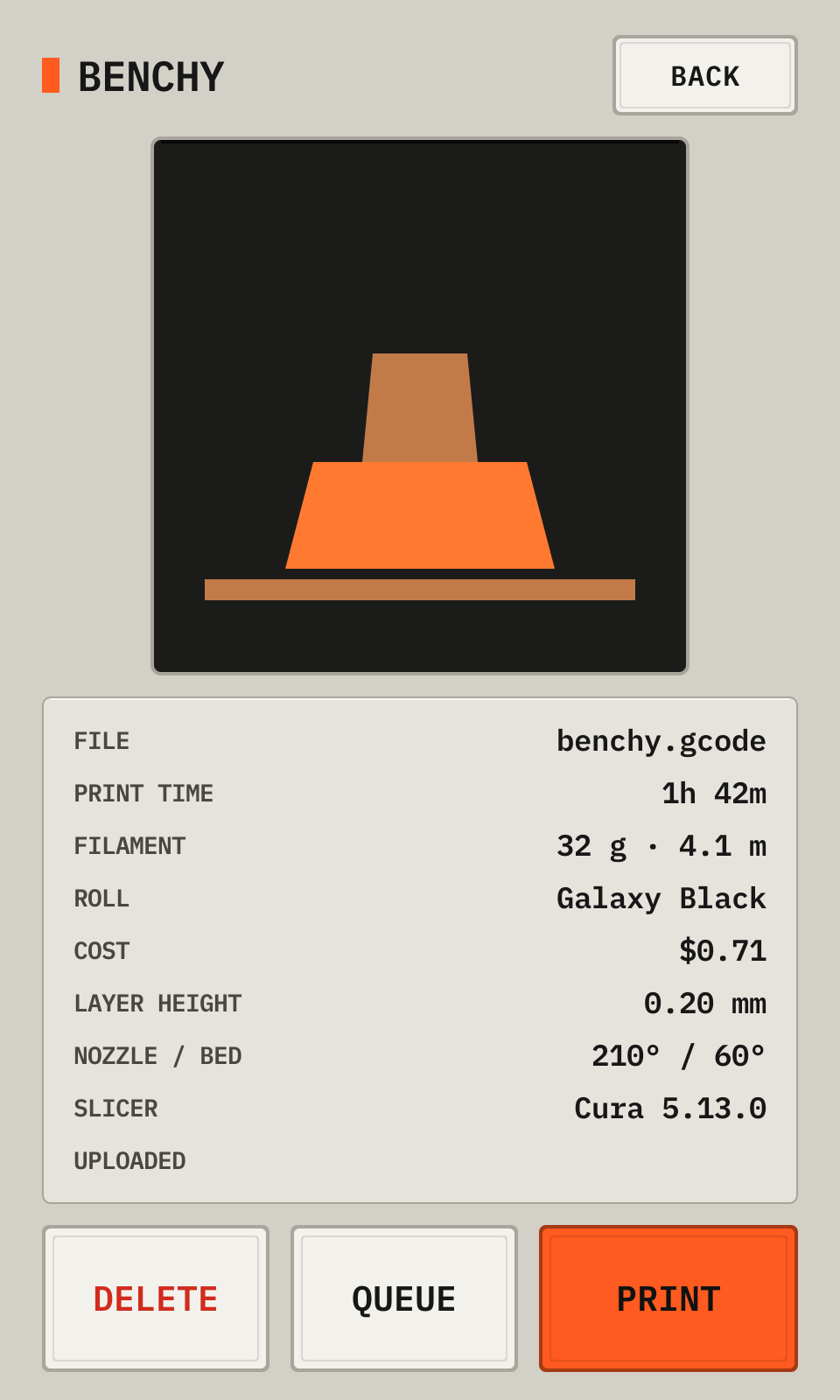
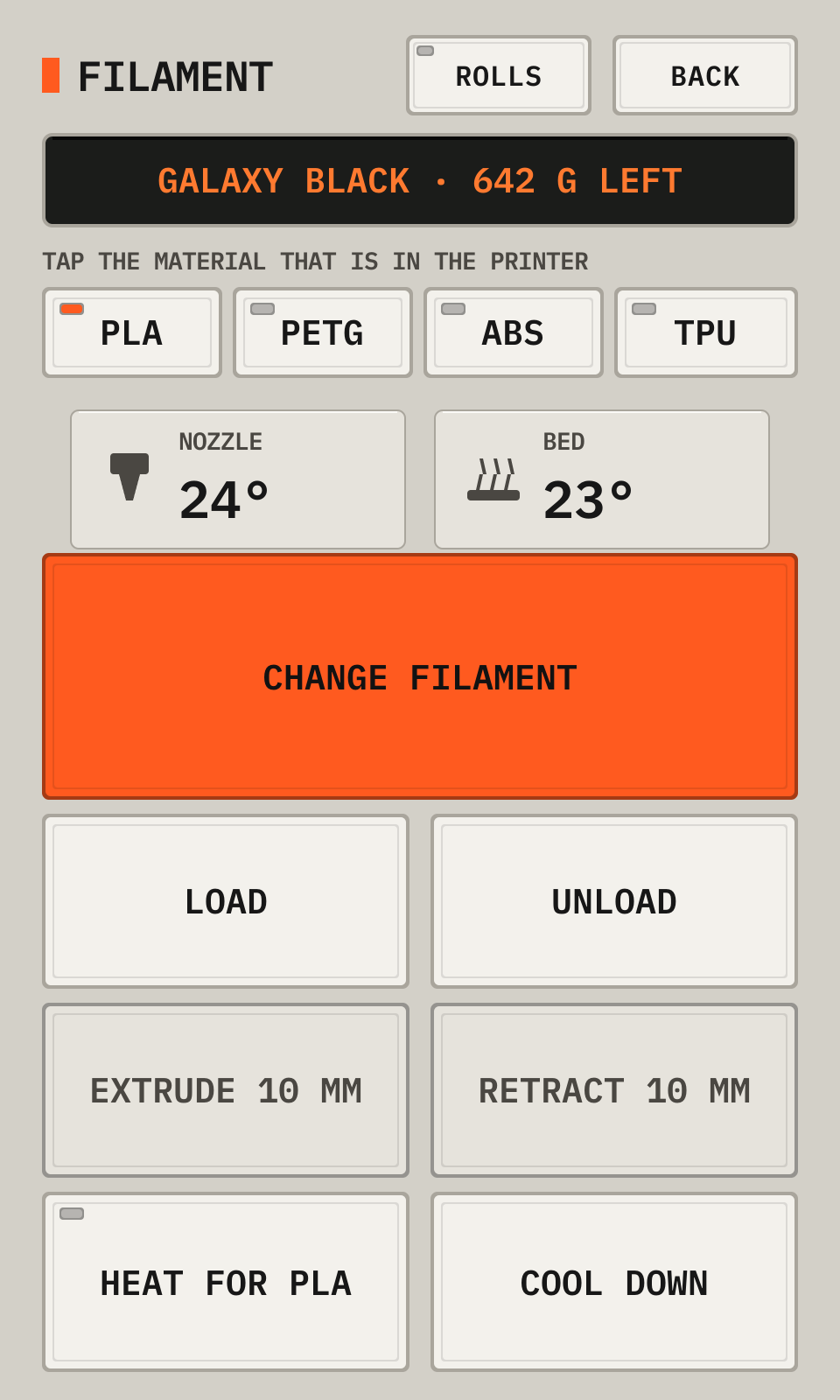
Every screen of the deck, with numbered callouts. The pod uses the tall layout. Each page has a switch to the wide layout.
The screens
- Each screen shows the printer display at the top.
- The print screen shows the model in 3D, the layer, the roll and the layer times. It can pause, resume, tune and cancel.
- Toolhead homes and moves the head, and turns off the motors.
- Filament has the guided filament change and your rolls of filament.
- Machine has the calibrations, the firmware, the console, the settings and the history.
- Machine > Settings has the camera, the push messages and the time lapse.
- A display that is mounted wide gets a machine panel layout.
slicer/cura-plugin/ is the Printdeck plugin for Cura. slicer/ also has a Cura post-processing script for the speed of each move.
The chapters
Set upConnect to Wi-Fi, Choose your printer, Install the Klipper firmwareMeet your PrintdeckThe deck, The display of the printer, The deck in a browserPrint a partSend a file from the slicer, Start a print, Watch the print, Print in two colors, Look around during a print, Make a time lapseYour iPhone and Apple WatchThe iPhone and Apple Watch appsChange the filamentChange the filamentMove and heatMove the head and heatLevel and calibrateLevel and calibrate, Calibrate the cameraLook after the printerLook after the printer, Update the Printdeck, Back up your data, Try the deck with a simulated printerWhen something goes wrongWhen something goes wrong, Settings
The manuals and the booklets
The manual shows each screen of the deck with numbered callouts.
- The manual: on the web, or the booklet docs/manual/printdeck-manual.pdf.
- The manual for a wide display: on the web, or docs/manual/wide/printdeck-manual.pdf.
- The Cura plugin: on the web, or docs/cura/printdeck-cura.pdf.
To print a booklet yourself, print the -print.pdf file on both sides of letter paper (flip on the short edge). Fold the stack, and staple it in the fold.
After a change to the UI, run docs/manual/build.sh. After a change to the Cura plugin, run docs/cura/build.sh. After a change to a README or a manual, run docs/build.py.