ztk::ios::DatePicker
Makes a picker of a date, a time, or both (UIDatePicker).
| Light | Dark |
|---|---|
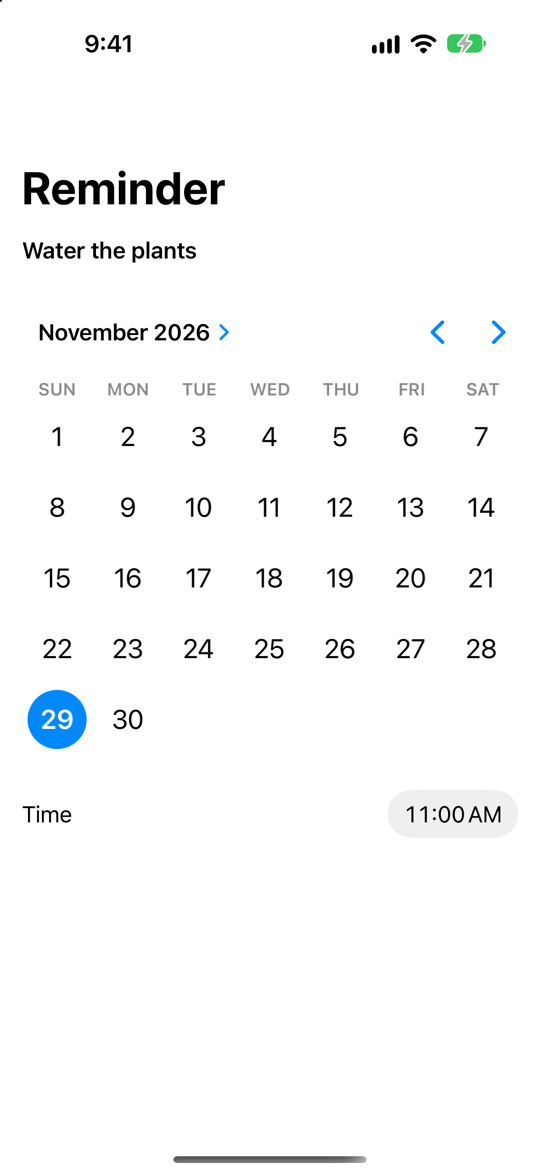 |
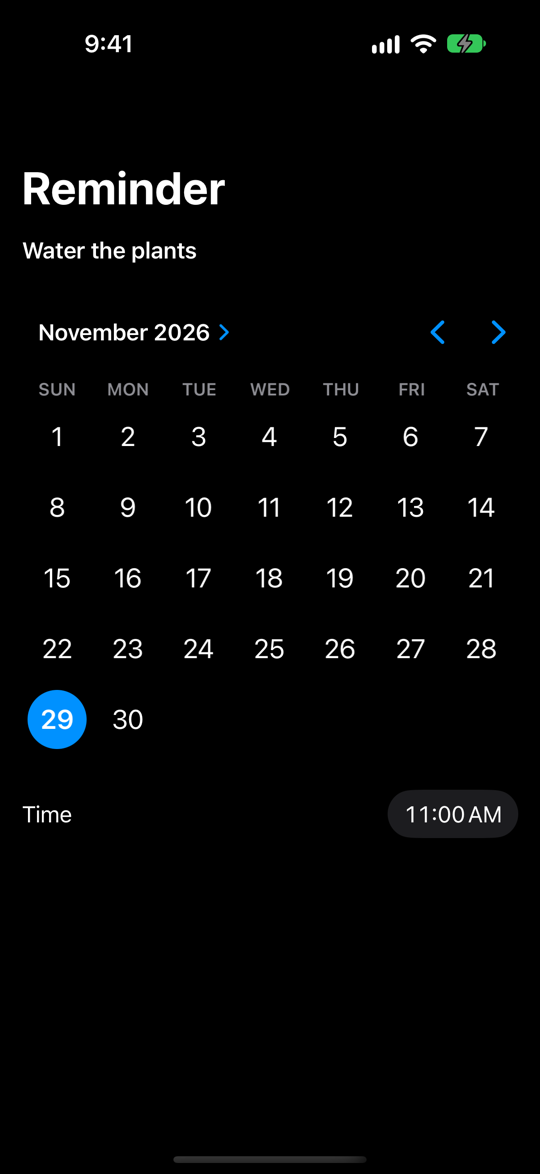 |
The pictures show examples/ios-date.tcl.
Synopsis
ztk::ios::DatePicker new ?OPTION VALUE ...?
$screen add datepicker ?OPTION VALUE ...?
Arguments
| Name | Type | Default | Meaning |
|---|---|---|---|
-date |
integer | the current time | The date and time, in seconds since 1970, as clock seconds gives. cget -date gives the date that the user picked. |
-mode |
date, time, dateAndTime |
date |
What the picker shows. |
-style |
compact, inline, wheels, automatic |
compact |
compact: a field that opens a calendar or a clock. inline: a calendar in the page. wheels: turning wheels. |
-enabled |
boolean | 1 | 0 dims the picker, and it ignores taps. |
-command |
script | empty | Runs at the global level after each change by the user, with the picker appended. |
invoke |
method | Runs -command, as a change does. |
|
-hidden, -accessibilityLabel, -accessibilityHint |
option | As for each view (ztk::ios). |
|
configure, cget, destroy |
method | As for each object (ztk::ios). |
The picker shows the date in the time zone and the calendar of the system, and clock format gives the date in the same time zone.
Return value
new gives the object. invoke gives an empty string.
Errors
| Error | When |
|---|---|
expected a number of seconds but got "X" |
-date is no number. |
bad mode "X": must be date, dateAndTime, or time |
-mode has another value. |
bad style "X": must be automatic, compact, inline, or wheels |
-style has another value. |
unknown option "-X": must be ... |
Another option. |
Platforms
| Platform | Works |
|---|---|
| Windows | No |
| macOS | No |
| Linux, Wayland | No |
| Linux, X11 | No |
| Web | No |
| iOS | Yes |
| Android | Yes, as ztk::android::DatePicker. |
| Headless | No: the namespace does not exist. |
Example
set screen [ztk::ios::Screen new -title Reminder]
$screen add label -text "Water the plants on"
$screen add datepicker -style inline -command {apply {{p} {puts [clock format [$p cget -date] -format "%e %B %Y"]}}}
ztk::ios::app root [ztk::ios::NavigationStack new $screen]