One script on desktop, web, and phones
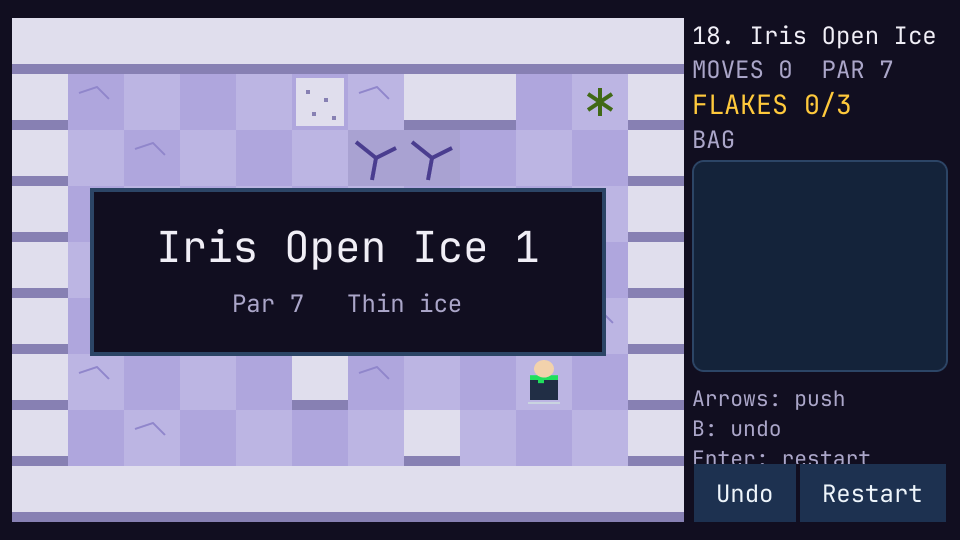
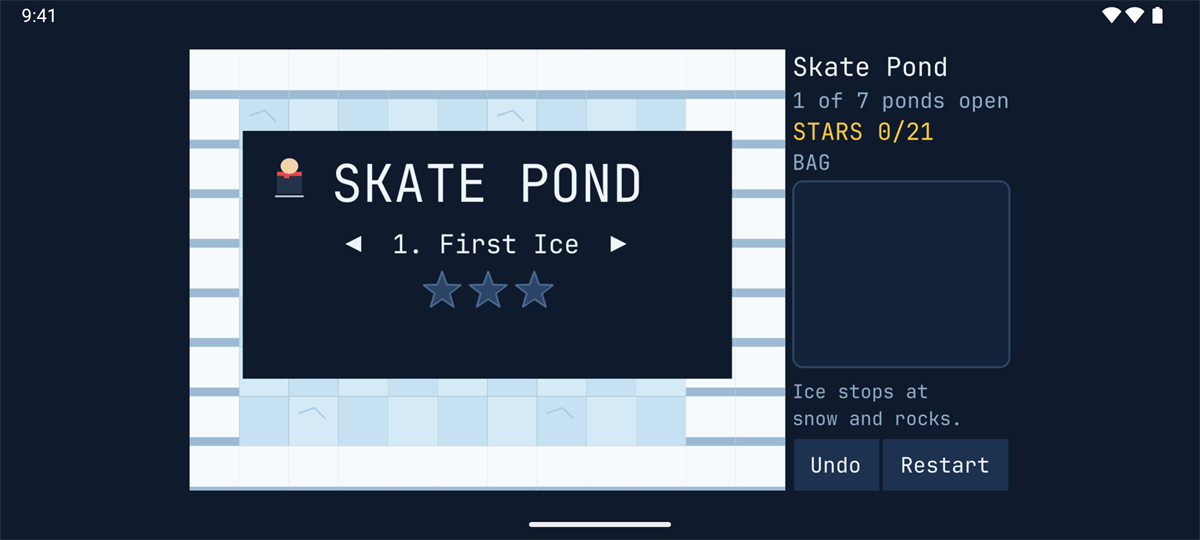
Write one Tk script and run it in a desktop window, in a web page, and as an app on Android and iOS. The three games of Learn with games are the proof: each game is one Tcl file with no change for each platform.
How it works
A small host runs the game. On the site the host is the web page. On a desktop or a phone the host is toyhost.tcl. The game and the host share one proc and one array, so the game has no code for each platform.
The main script of the app sources the game, then the host (the code):
set here [file dirname [info script]]
source [file join $here .. skatepond.tcl]
source [file join $here toyhost.tcl]
ztk bundle makes one app file from the scripts:
ztk docs/toys/native/skatepond.tcl
ztk bundle -o SkatePond.apk --target aarch64-linux-android \
    docs/toys/native/skatepond.tcl docs/toys/skatepond.tcl docs/toys/native/toyhost.tcl
On a phone, tk touchscreen gives 1, a tap is a click, and tk insets . gives the parts of the screen under the bars. wm attributes . -zoom Z draws the whole window larger, so the game fills the screen.
Real today
The games run on the Toys page of this site, and ztk bundle makes the apps for Android and iOS.
Links
- Skate Pond 8: Save and run everywhere: the host, the saved data, and the phone.
- Touch and the screen: touch, the soft keyboard, and the life of an app on a phone.
- Android and iOS: build and install an app.
- On the web: ztk in a web page.