ztk::ios::Screen
Makes a screen (UIViewController): one page of the app with a column of views along the margins of the safe area.
| Light |
Dark |
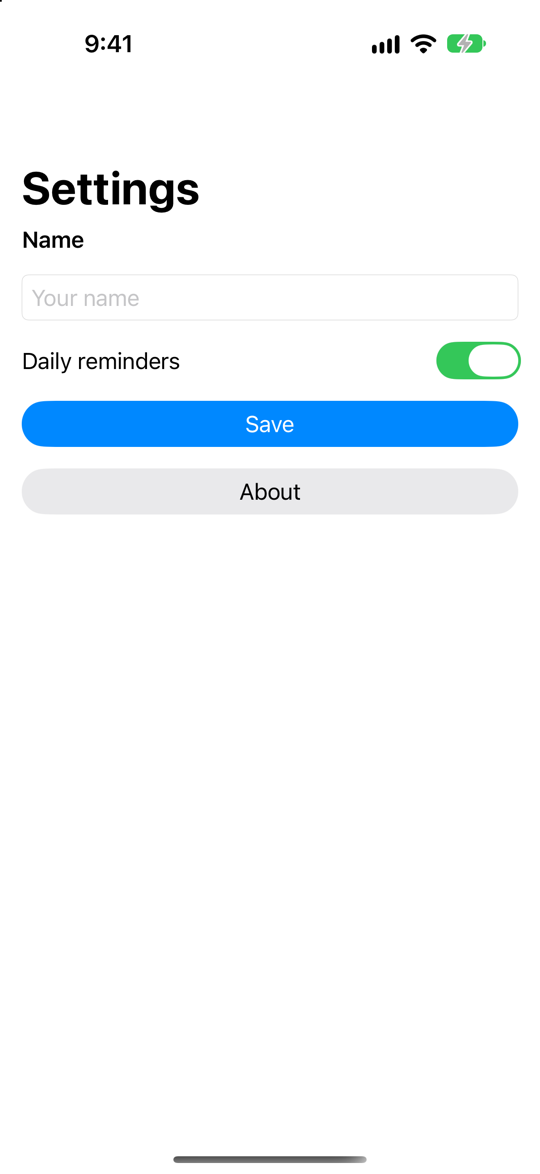 |
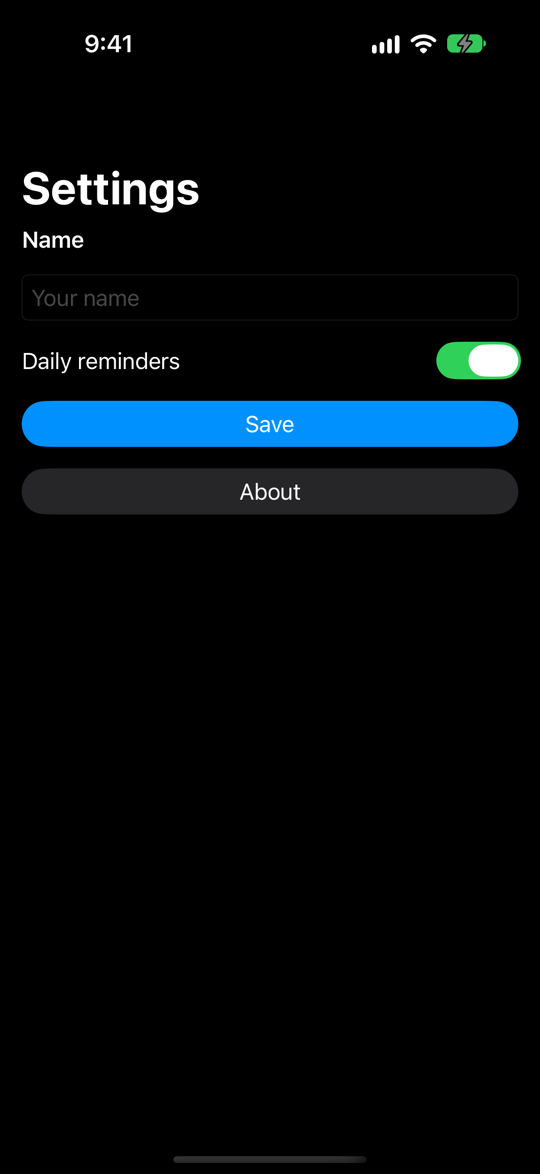 |
Synopsis
ztk::ios::Screen new ?-title TEXT?
Arguments
| Name |
Type |
Default |
Meaning |
-title |
text |
empty |
The title in the navigation bar, and the text of the back button of the screen above it. |
add KIND ?OPTION VALUE ...? |
method |
|
Makes a control of KIND with the options and puts it at the end of the column. KIND is label, button, switch, textfield, or stack. |
views |
method |
|
Gives the controls of add that exist, in their order. |
push SCREEN |
method |
|
Shows SCREEN on the navigation stack of this screen. |
pop |
method |
|
Goes back to the screen under the top one. |
navigationStack |
method |
|
Gives the navigation stack of the screen, or an empty string. |
closed |
method |
|
Runs when the screen leaves its navigation stack, before the screen is destroyed. It is empty, and a subclass overrides it. |
configure, cget, destroy |
method |
|
As for each object (ztk::ios). destroy also frees the controls of add. |
The views have 16 points between them. A column longer than the screen scrolls, and the screen ends at the top of the soft keyboard.
Return value
new and add give the new object. views gives a list. navigationStack gives an object or an empty string. The other methods give an empty string.
Errors
| Error |
When |
bad kind "KIND": must be button, datepicker, label, stack, switch, textfield, or textview |
add has another kind. |
the screen is not on a navigation stack |
push or pop on a screen of no stack. |
unknown option "-X": must be -title |
Another option. |
| Platform |
Works |
| Windows |
No |
| macOS |
No |
| Linux, Wayland |
No |
| Linux, X11 |
No |
| Web |
No |
| iOS |
Yes |
| Android |
No: ztk::android::Screen |
| Headless |
No: the namespace does not exist. |
Example
oo::class create Counter {
    superclass ztk::ios::Screen
    variable count label
    constructor {} {
        next -title Counter
        set count 0
        set label [my add label -text "0 taps" -font largeTitle]
        my add button -text "Add one" -command [list [self] tap]
    }
    method tap {button} {
        incr count
        $label configure -text "$count taps"
    }
}
ztk::ios::app root [ztk::ios::NavigationStack new [Counter new]]
See also