Android features
This page shows the parts of Android that a ztk app reaches: the native views of Android, the renderer, the life of the app, the files of the app, and the manifest.
Native views of Android
The classes of ztk::android make the real views of the Android framework from a script: a navigation stack with a toolbar and a back arrow, tabs, lists, alerts, screens, labels, buttons, switches, text fields, and stacks, in the theme of the device. They follow the dark mode and the font size of the system, the keyboard of the phone types into a text field with each of its features, and TalkBack reads them. At a change of the dark mode while they show, they take the colors of the new mode, except the colors that a view of the framework takes from the theme when it is made, such as the track of a switch and the line under a text field: these change at the next start of the app. They have the classes and the options of ztk::ios, so the UI files of the two platforms differ in the namespace. The namespace exists only in an app on Android, so test it first:
if {[namespace exists ztk::android]} {
    puts "the views of Android"
}
ztk::android has each class, with pictures.
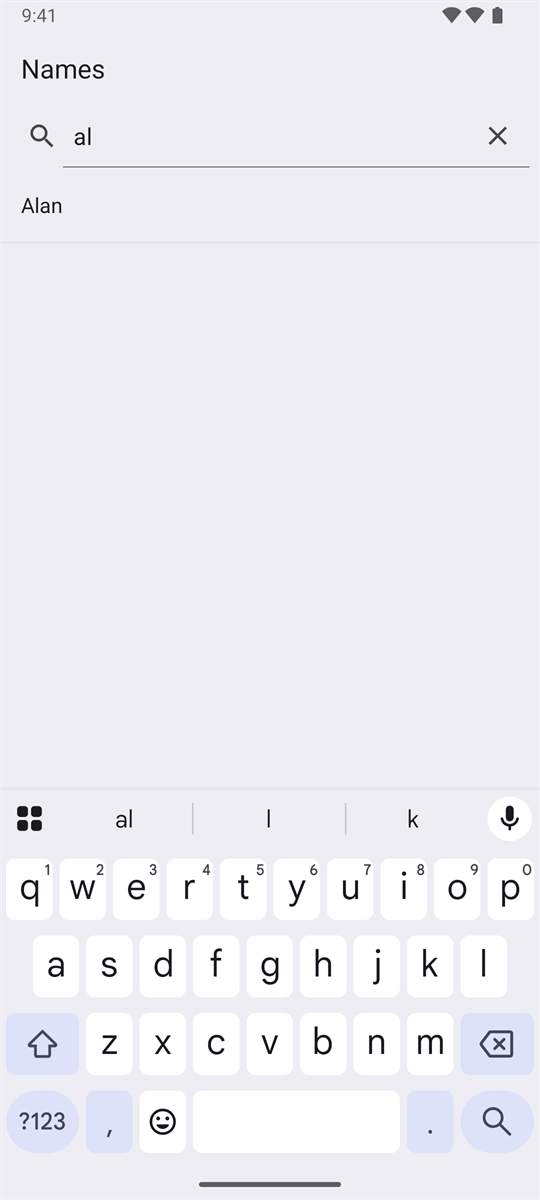
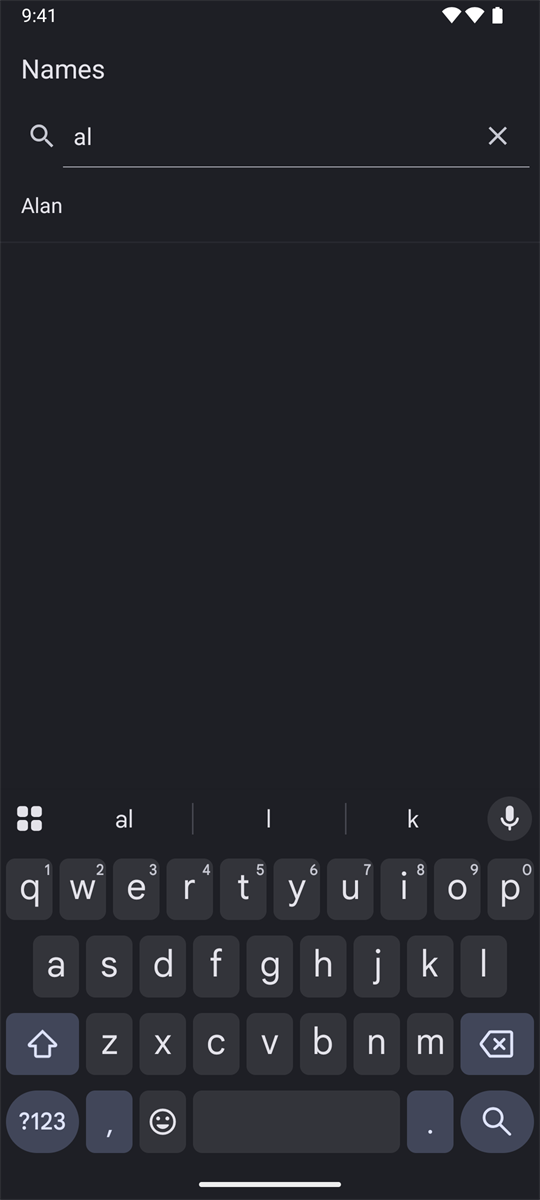
A list with search
A list screen with -search 1 has a search field over its rows. The script filters its rows in the method search. The script of iOS with -editing 1 runs with no change, and a list of Android has no drag of its rows:
| Light | Dark |
|---|---|
 |
 |
oo::class create Names {
    superclass ztk::android::ListScreen
    variable all shown
    constructor {} {
        set all {Ada Alan Grace Linus}
        set shown $all
        next -title Names -search 1
    }
    method rows {section} { llength $shown }
    method cell {section row cell} { $cell configure -text [lindex $shown $row] }
    method search {text} {
        set shown [lsearch -all -inline -nocase -glob $all *$text*]
        my reload
    }
}
ztk::android::app root [ztk::android::NavigationStack new [Names new]]
The pictures show examples/android-names.tcl.
The renderer
At the first frame the app opens the Vulkan of the system and draws each frame with it. When Vulkan does not open, or a draw fails, the CPU renderer of ztk draws the frame. The log gives the renderer, and the cause of the CPU path:
I ztk     : renderer vulkan: llvmpipe (LLVM 21.1.8, 256 bits)
I ztk     : renderer cpu: Vulkan: NoSwapchain: the window has no R8G8B8A8_UNORM swapchain
A system property selects the renderer at the next start of the app, with no new APK:
| Command | What it does |
|---|---|
adb shell setprop debug.ztk.renderer cpu |
The CPU renderer. The values are cpu, vulkan, and auto (the default). |
adb shell setprop debug.ztk.stats 1 |
The time of the draw in the log, for each 120 frames. |
adb shell am force-stop org.example.hello |
Stops the app, so the next start reads the properties. |
With vulkan, a failure of Vulkan still gives the CPU renderer, and the log has the cause as an error.
The life of the app
Android can stop an app that is not in front. ztk sends <<AppBackground>>, <<AppForeground>>, and <<LowMemory>> to .. Android sends no <<AppTerminate>>. Save the state of the app at <<AppBackground>>:
bind . <<AppBackground>> save_state
proc save_state {} {puts "save the state"}
The life of the app has each event and a full example.
Files
At each start, the app copies the scripts and files of the APK to a folder in the internal storage of the app. That folder is:
- the folder of
tk appdata, - the root folder of the file commands.
Other apps cannot read it, and the file commands reach no folder out of it. Save data in a file with a name of its own, because the next start copies the files of the app again.
The manifest and permissions
ztk bundle writes a manifest:
| Entry | Value |
|---|---|
| The package name, the label, the version | From --id, -o or --name, --version, and --version-code. |
| The minimum SDK | 29 (Android 10). |
| The target SDK | 36 (Android 16). On a tablet or an open foldable (a smallest width of 600 dp or more), Android 16 ignores the orientation of wm attributes -orientation, so a script lays out its window for each shape. Back goes to the system with no key event, and the app goes to the background. |
| The activity | Keeps its window at a turn of the screen and at a change of the size, the keyboard, the density, the dark mode, and the font scale, so the script gets each change as an event. |
The app asks for one permission only: with --allow socket, the manifest has android.permission.INTERNET. With no permission, the app has no network, location, camera, or microphone. ztk bundle has no option to add an entry to the manifest.
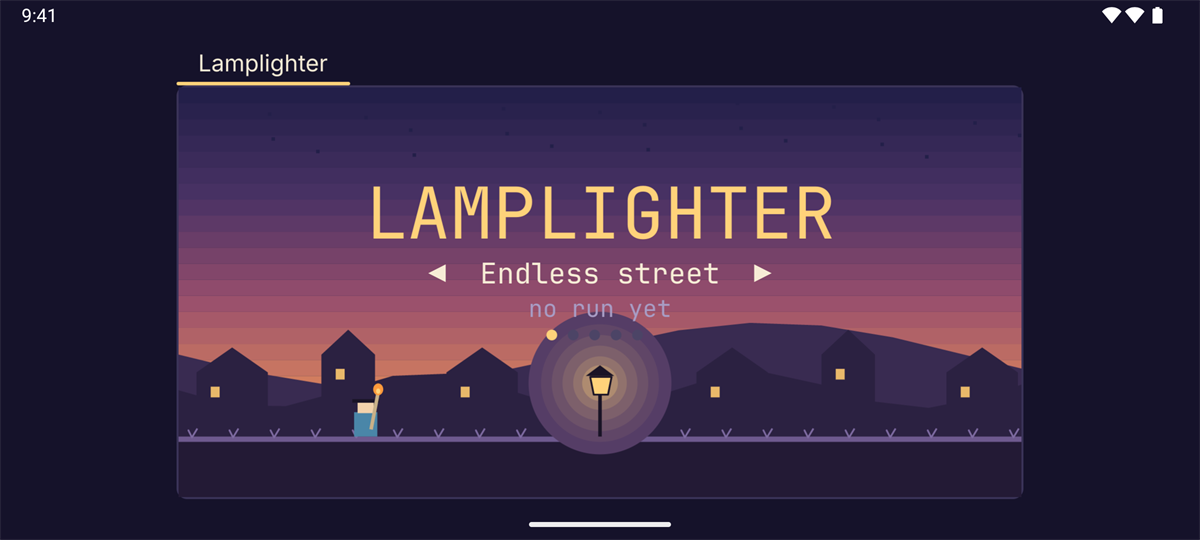
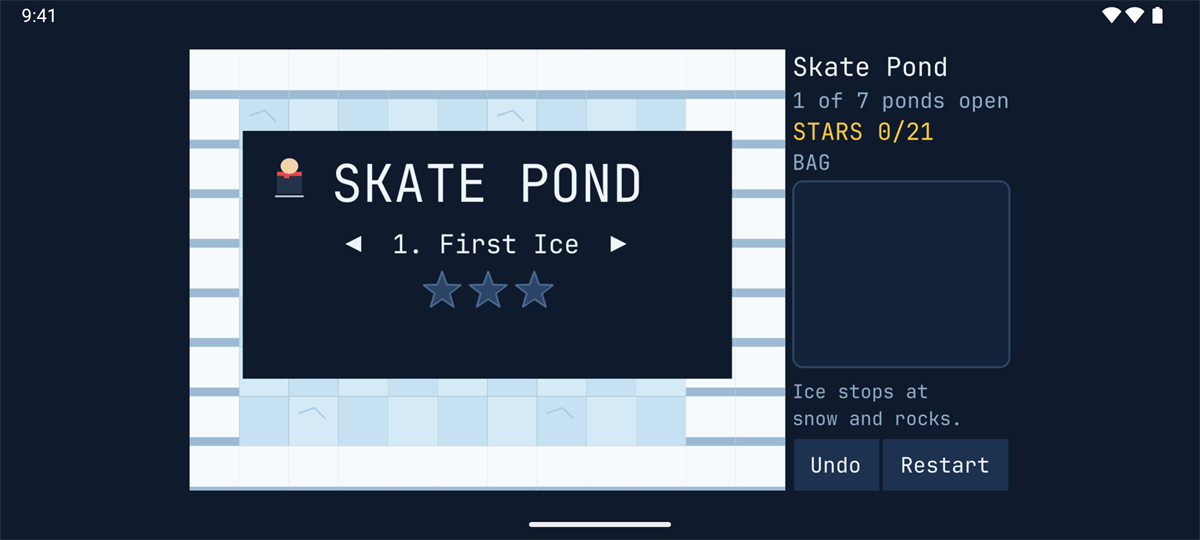
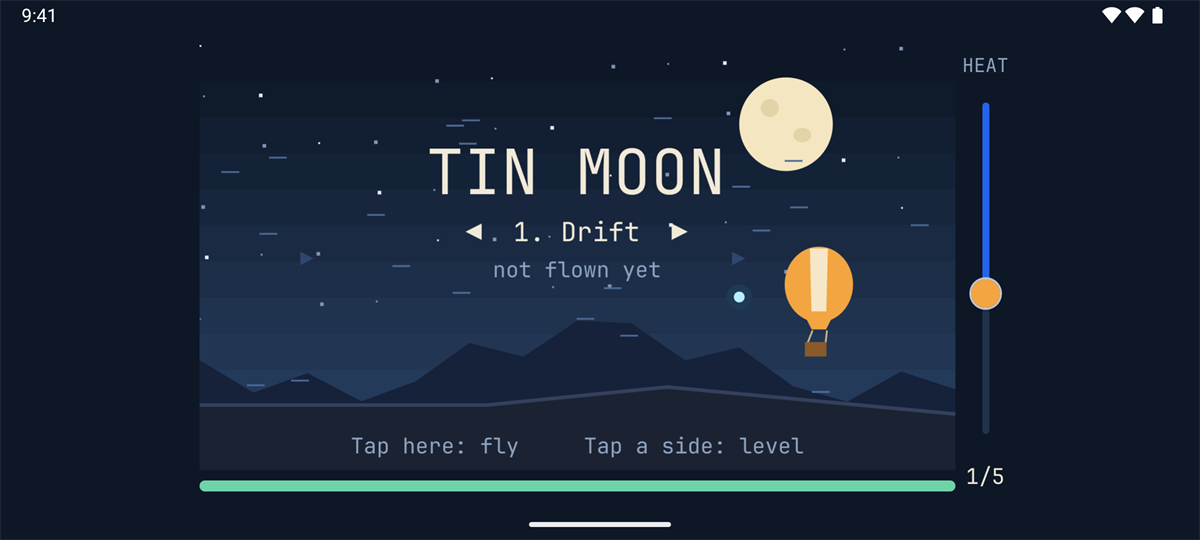
The games of the Toys page
The three games of the Games page run on a phone through a host script (An example: the games):
ztk bundle -o Lamplighter.apk --target aarch64-linux-android \
    docs/toys/native/lamplighter.tcl docs/toys/lamplighter.tcl \
    docs/toys/native/toyhost.tcl
The next page, Limits, lists what does not work on Android.