Widgets on Android
The widgets of Tk and ttk work by touch on Android with no change to a script. This page shows the soft keyboard, the screen, and the Back gesture. Touch and the screen has the touch events, the insets, and the size of text, which Android and iOS share.
Touch
A tap is a click: it invokes a button, toggles a check button, selects a row, and opens a menu. A drag in a text widget, a listbox, a treeview, or a canvas with a -scrollregion scrolls its view, and the view glides on after a fast lift. A long press is button 3, and two fingers give the pinch events (Touch).

tab=tree in gallery.state.
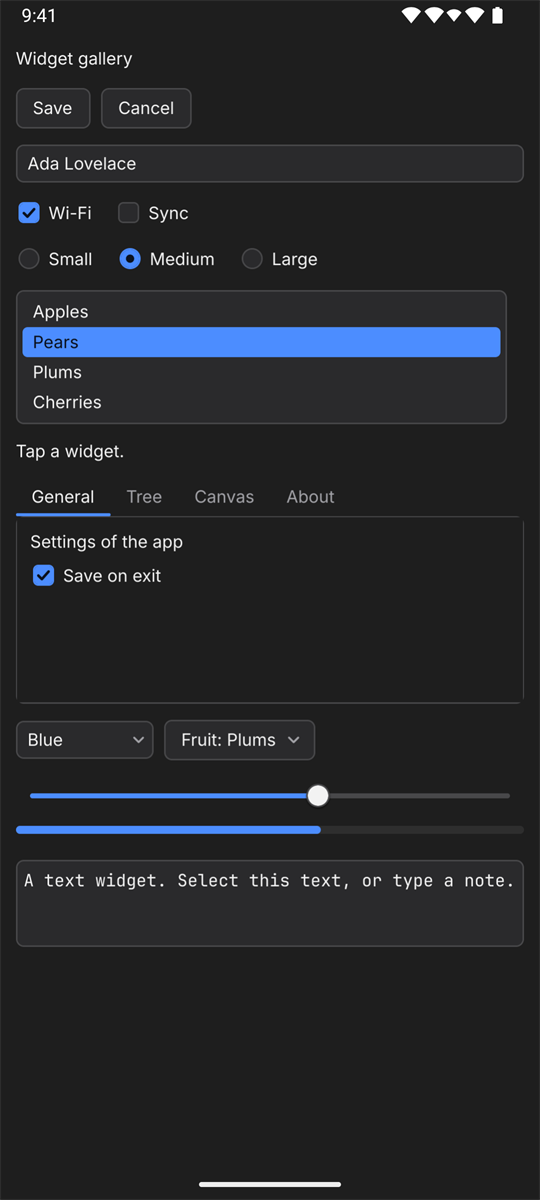
tab=canvas in gallery.state.The theme follows the light and the dark mode of Android while the app runs. adb shell cmd uimode night yes turns on the dark mode of the emulator.
The soft keyboard
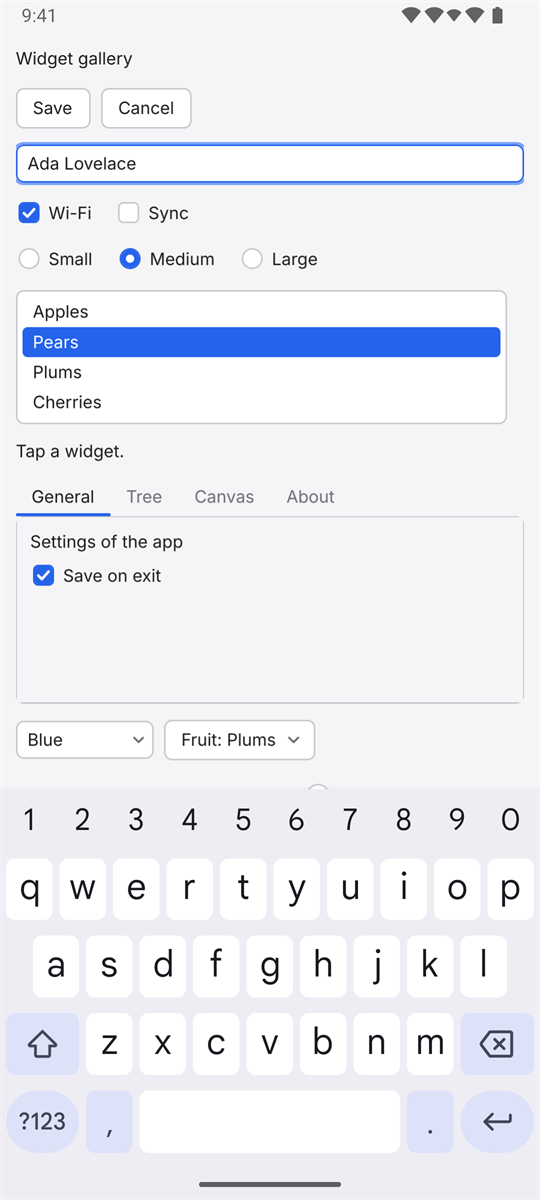
The keyboard opens when an entry, a spinbox, a combobox, or a text widget gets the focus, and it closes when the focus goes to a widget of another kind. It sends key events. These keys type into the widget:
- the Latin letters, the digits, the space, the comma, and the period,
- Backspace, as the key
BackSpace, - Enter, as the key
Return.
A hardware keyboard, such as the keyboard of the emulator, gives the same keys, and also Tab, Escape, Delete, Home, End, and the arrows.
ttk::entry .e
pack .e -padx 20 -pady 20
bind .e <Return> {focus .}
tk insets.The screen
The window . fills the screen in the four orientations. Sizes are in density-independent pixels (dp). tk insets has the status bar, the bar of the gesture, the cutout of the camera, and the soft keyboard.
The app draws under the status bar and the bar of the gesture. Their icons follow the background of .: dark icons over a light background, and light icons over a dark one.
wm attributes . -orientation landscape

The font size of Android scales the named fonts, such as TkDefaultFont (The size of text). The text is in the fonts of ztk: Inter and JetBrains Mono.

adb shell wm size 1600x2560 and adb shell wm density 320.Back
The Back key and the back gesture go to the system. They send the app to the background as Home does, and the script goes on.
The next launch shows the app as it was. exit ends the app.
The next page, Menus, shows the menus on Android.