Skate Pond 8: Save and run everywhere
In this step the game keeps your stars between visits, and the same script runs in a web page, on a desktop, and on a phone. You learn the small contract between a game and its host, tk appdata, tk touchscreen, and the zoom of a window.
The game and its host
The game script does not know where it runs. A host runs it: the web page of the site (assets/toys.js), or toyhost.tcl on a desktop or a phone. The two talk through one proc and one array:
| Name | From | What it does |
|---|---|---|
toy_input KEY STATE |
host to game | A key, a button of a gamepad, or a touch button: left, right, up, down, a, b, or start, and press or release. |
toy_restore DATA |
host to game | Gives back the saved string of the last visit. |
toy(save) |
game to host | The string to keep. |
toy(sfx) |
game to host | A list of names of sound effects. The page plays them and clears the list. |
toy(music) |
game to host | The part of the music: title, play, or empty. |
toy(touch) |
host to game | 1 on a touch screen. The game changes its texts, for example "Tap" in place of "A". |
toy(calm) |
host to game | 1 when the player turns off the screen shake. |
toy(direct) |
game to host | 1 when the game reads touch on its own canvas. Then the host shows no touch buttons. |
toy(orient) |
game to host | landscape, portrait, or any, for a phone. Skate Pond plays in both. |
The first line of the game sets the values of the game (the code):
array set toy {sfx {} music title save {} calm 0 direct 1 orient any}
if {![info exists toy(touch)]} { set toy(touch) 0 }
set toy(help) "Swipe to push. Tap a square to skate there."
proc sfx {name} { lappend ::toy(sfx) $name }
sfx only adds a name to a list. The page makes the sound with the Web Audio API of the browser, from oscillators and noise, so the game has no sound file. The native host plays no sound.
Save a string
The saved state is a Tcl list of keys and values: the count of open ponds, the stars of each pond, and the seeds of "New set" (the code).
proc save {} { set ::toy(save) [list unlocked $::g(unlocked) stars [array get ::stars] extra $::extra next $::nextSeed] }
toy_restore reads it back with dict get inside catch. A missing key, or a string from an older version of the game, does no harm: the game keeps its default for that key.
- The page keeps the string in the
localStorageof the browser. toyhost.tclkeeps it in the filetoy.saveintk appdata, a folder that the app can write on a phone. On a desktop,tk appdatagives an empty string, and the file goes in the current folder. A trace ontoy(save)writes the file at each change:
trace add variable ::toy(save) write ::toyhost::save
A phone: touch, the orientation, and the zoom
toyhost.tcl asks tk touchscreen. On a phone it sets toy(touch) to 1, turns the screen to the orientation of toy(orient) with wm attributes . -orientation, and makes the game fill the screen:
tk insets .gives the parts of the screen under the status bar, a notch, and the bar of the home gesture.wm attributes . -zoom Zdraws the whole window Z times larger. The host picks the largest zoom at which the game fits inside the insets, and puts the game in the middle with the padding of..- At each
<Configure>of.and each<<Insets>>, the host fits the game again. So a turn of the phone keeps the game whole, and the layout of step 4 puts the bag under the pond in a tall window.
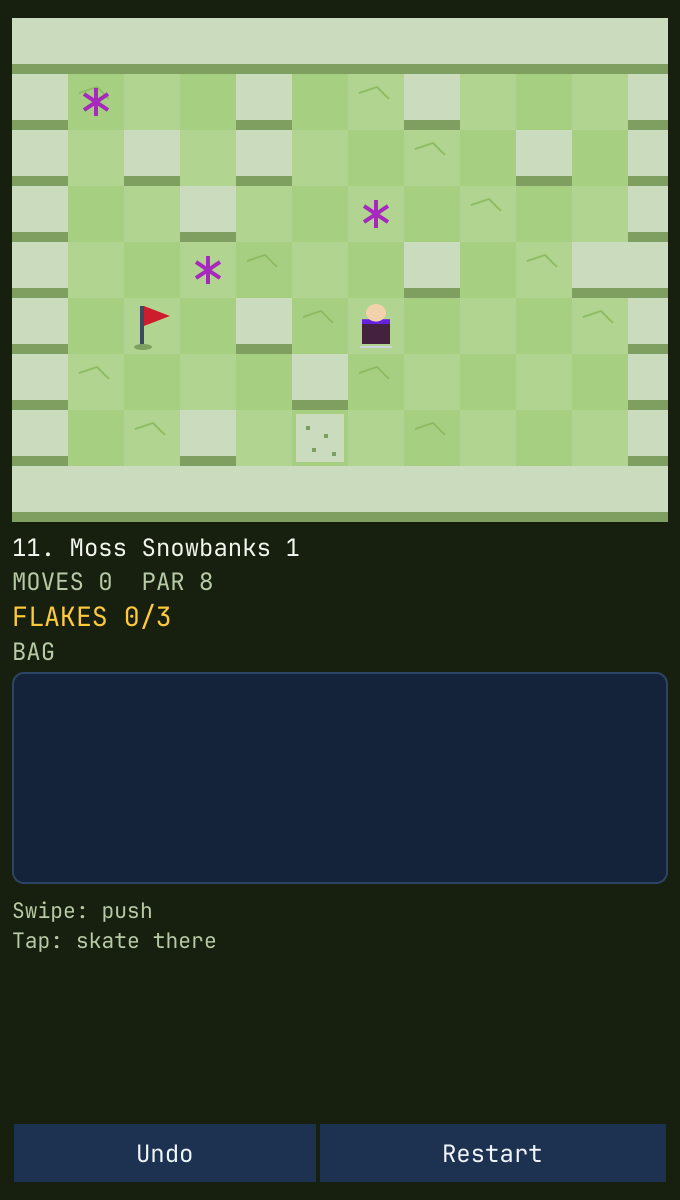
A text of the game reads toy(touch), and a trace on it draws the title again when the host sets it after the start (the code).
Run it outside the page
The main script of the app is two lines: it sources the game, then the host (the code).
ztk docs/toys/native/skatepond.tcl
ztk bundle -o SkatePond.apk --target aarch64-linux-android \
    docs/toys/native/skatepond.tcl docs/toys/skatepond.tcl docs/toys/native/toyhost.tcl
The first line runs the game in a window on a desktop. The second line makes an app for Android. Touch and the screen has the commands of a phone, and Android has the steps to make and install the app.
Next: 9. Make it yours.