Skate Pond 7: Themes
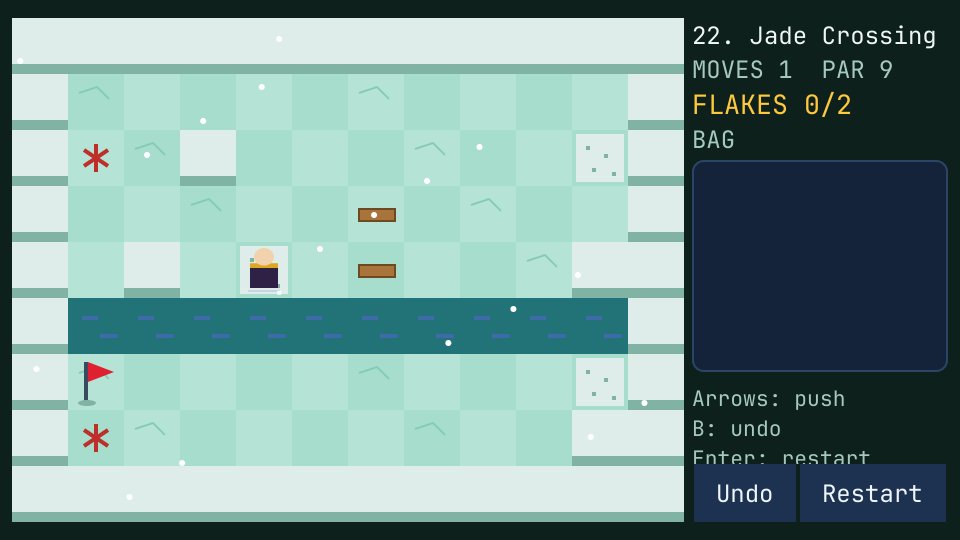
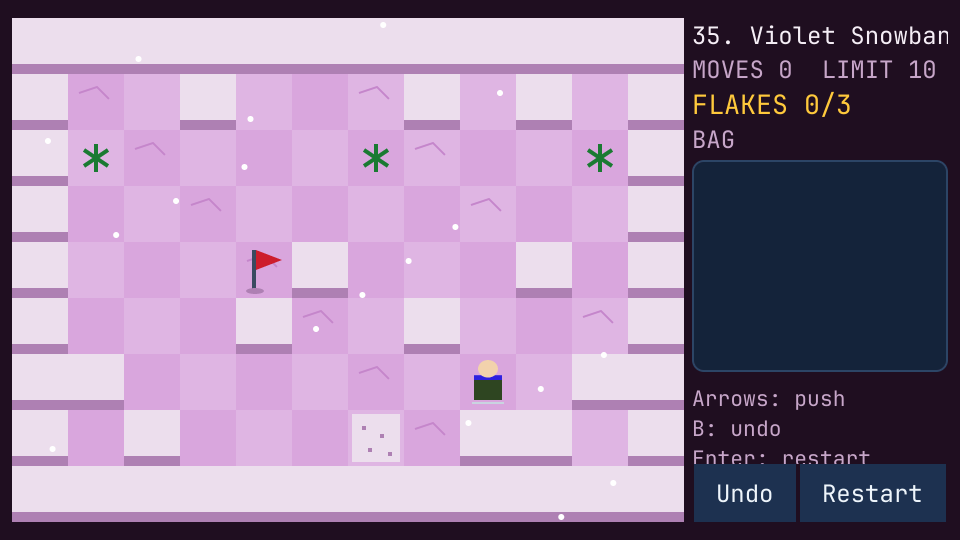
In this step each pond of the generator gets its own colors from a seed: a hue, a time of day, and a weather. You learn to make colors from a hue, to measure the contrast of two colors, and to change a color until it passes a rule.
The colors live in one array
Each item of the game gets its color from the array ink: $ink(ice), $ink(water), $ink(coat), and so on. A theme is a new set of values for ink. useTheme puts a theme in ink and gives the widgets of the side panel the new background (the code). The next pond draws with the new colors.
Colors from a hue
A hue is an angle on the color wheel, from 0 to 360. hsl turns a hue, a saturation, and a lightness into a color such as #d4ebf7 (the code). themeInk draws a few random numbers from the seed of the theme, and builds each color from them (the code):
- The ice, the snow, and the shadow share the hue of the theme, with different lightness.
- The water has the hue plus 20 degrees. The rocks have the opposite hue, with little saturation.
- The time of day (day, dusk, or night) sets the lightness of the ice.
- The coat and the scarf of the skater have hues of their own.
- A theme can have snow: 18 small ovals that fall over the pond.
A contrast rule
A random color can be too close to the ice: a coat that you cannot see on the ice. The game measures each important pair with the contrast ratio of WCAG 2. luminance gives the light of a color from 0 to 1, and contrast gives the ratio of two colors: 1 for the same color, 21 for black on white (the code).
Each rule is a pair and a ratio, such as the coat on the ice at 4.5. A color that fails gets darker by 0.04 of lightness, and the game measures again. The dim text on the background gets lighter in place of darker.
foreach {k on want} {water ice 3.0 rock ice 2.5 coat ice 4.5 red ice 3.0 flake ice 3.0 crackT thin 2.5 shadow snow 1.5 dim bg 4.5} {
The snippet shows the tries of the coat on the ice of a hue. It starts the coat light, at 0.6, and moves in steps of 0.08, so that you see the tries. The game starts the coat at 0.2 and moves in steps of 0.04. Change the hue.
# Change the hue: the coat gets darker until it passes 4.5 on the ice.
set hue 210
proc hsl {h s l} {
    set h [expr {fmod(fmod($h, 360.0) + 360.0, 360.0) / 60.0}]
    set c [expr {(1 - abs(2 * $l - 1)) * $s}]
    set x [expr {$c * (1 - abs(fmod($h, 2.0) - 1))}]
    set m [expr {$l - $c / 2}]
    lassign [lindex {{0 1 2} {1 0 2} {2 0 1} {2 1 0} {1 2 0} {0 2 1}} [expr {int($h) % 6}]] a b d
    set v [list $c $x 0]
    format #%02x%02x%02x {*}[lmap k [list $a $b $d] { expr {int(round(([lindex $v $k] + $m) * 255))} }]
}
proc luminance {c} {
    scan $c #%2x%2x%2x r g b
    set out 0.0
    foreach v [list $r $g $b] w {0.2126 0.7152 0.0722} {
        set v [expr {$v / 255.0}]
        set v [expr {$v <= 0.03928 ? $v / 12.92 : pow(($v + 0.055) / 1.055, 2.4)}]
        set out [expr {$out + $w * $v}]
    }
    return $out
}
proc contrast {a b} {
    set la [luminance $a]; set lb [luminance $b]
    expr {(max($la, $lb) + 0.05) / (min($la, $lb) + 0.05)}
}
canvas .c -width 336 -height 200 -background #0f1b2d -highlightthickness 0
pack .c
. configure -background #0f1b2d
set ice [hsl $hue 0.45 0.88]
# Each try: the coat at this lightness, and its contrast on the ice.
set l 0.6
for {set i 0} {$i < 6} {incr i} {
    set coat [hsl [expr {$hue + 150}] 0.35 $l]
    set x [expr {10 + $i * 54}]
    .c create rectangle $x 20 [expr {$x + 48}] 120 -width 0 -fill $ice
    .c create rectangle [expr {$x + 14}] 50 [expr {$x + 34}] 100 -width 0 -fill $coat
    set r [contrast $coat $ice]
    .c create text [expr {$x + 24}] 140 -text [format %.1f $r] -font {TkFixedFont 10 bold} \
        -fill [expr {$r >= 4.5 ? "#6fd3a8" : "#8fa9c4"}]
    if {$r >= 4.5} break
    set l [expr {$l - 0.08}]
}
.c create text 168 180 -text "Hue $hue: the coat passes at try [expr {$i + 1}]" -fill #eef5fb -font {TkFixedFont 10 bold}

The game draws its own background
The page of the game has a light and a dark color scheme. The game sets each color of the canvas and of the side panel itself, so a theme looks the same in both schemes.
Next: 8. Save and run everywhere.